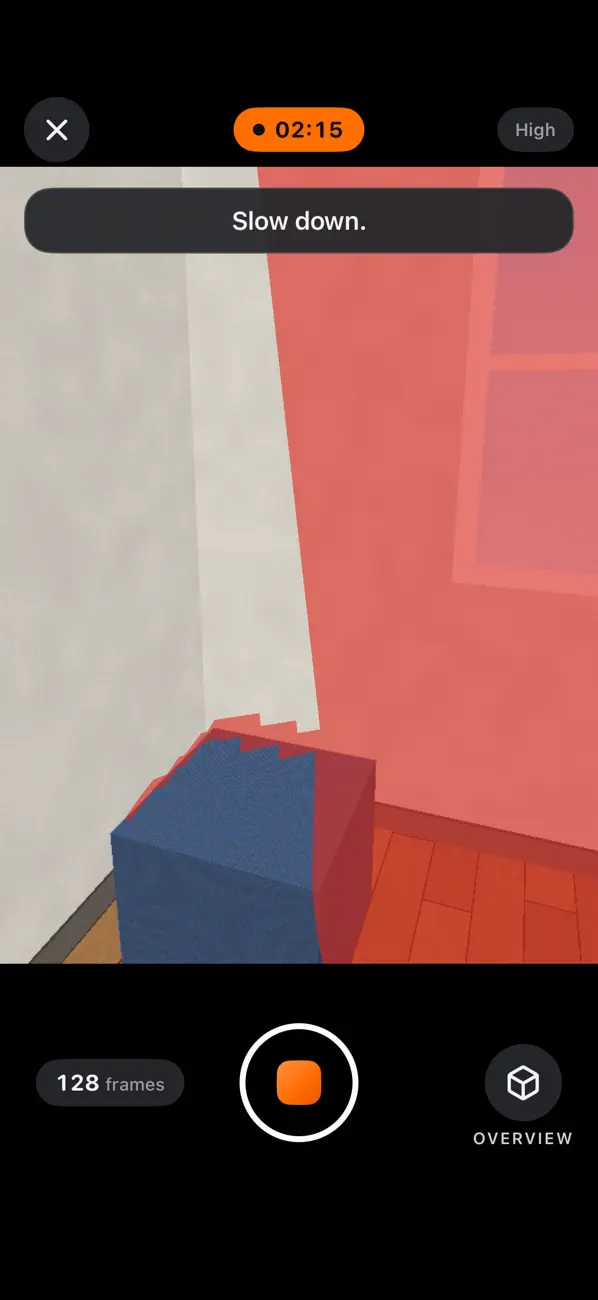
See what is still missing
Check coverage as you scan, with short hints about your speed, lighting and distance.
 MakeWorlds Scanner
Capture indoor spaces with MakeWorlds Scanner, check your coverage, then send the scan to your computer to reconstruct in MakeWorlds Studio.
Free · No account · iPhone · iOS 26.0 or later
Start with one room. Move slowly and keep shared detail between neighboring views.
Check coverage as you scan, with short hints about your speed, lighting and distance.
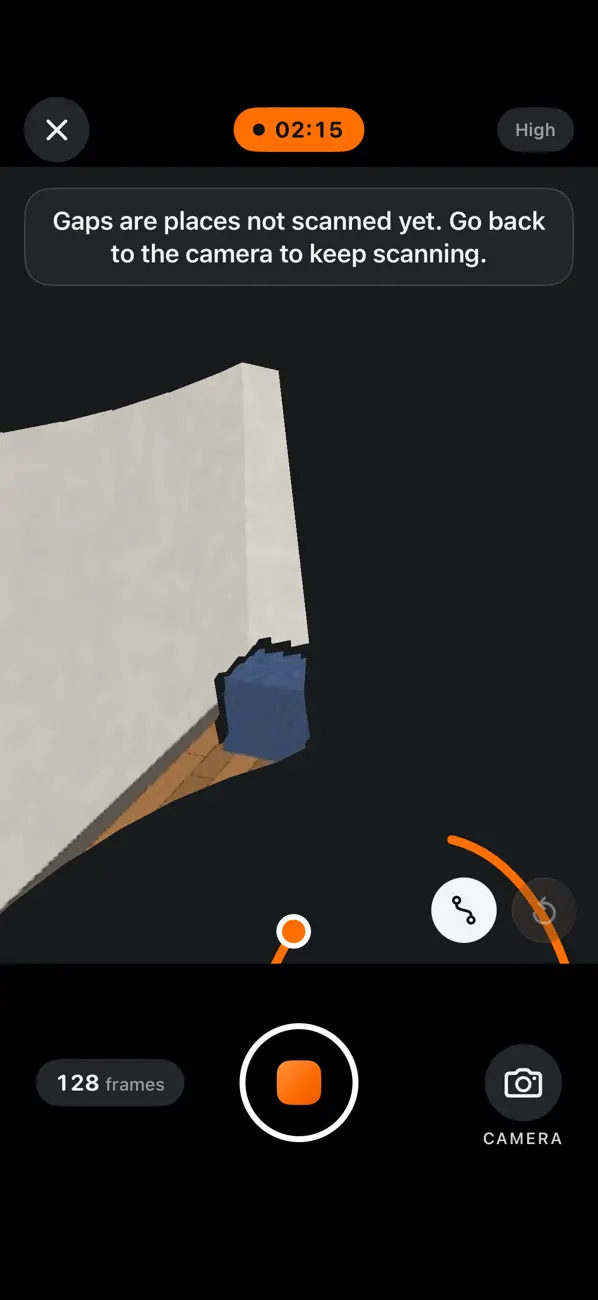
Switch to the overview to inspect your capture from outside. Continue a saved scan later to fill in gaps.
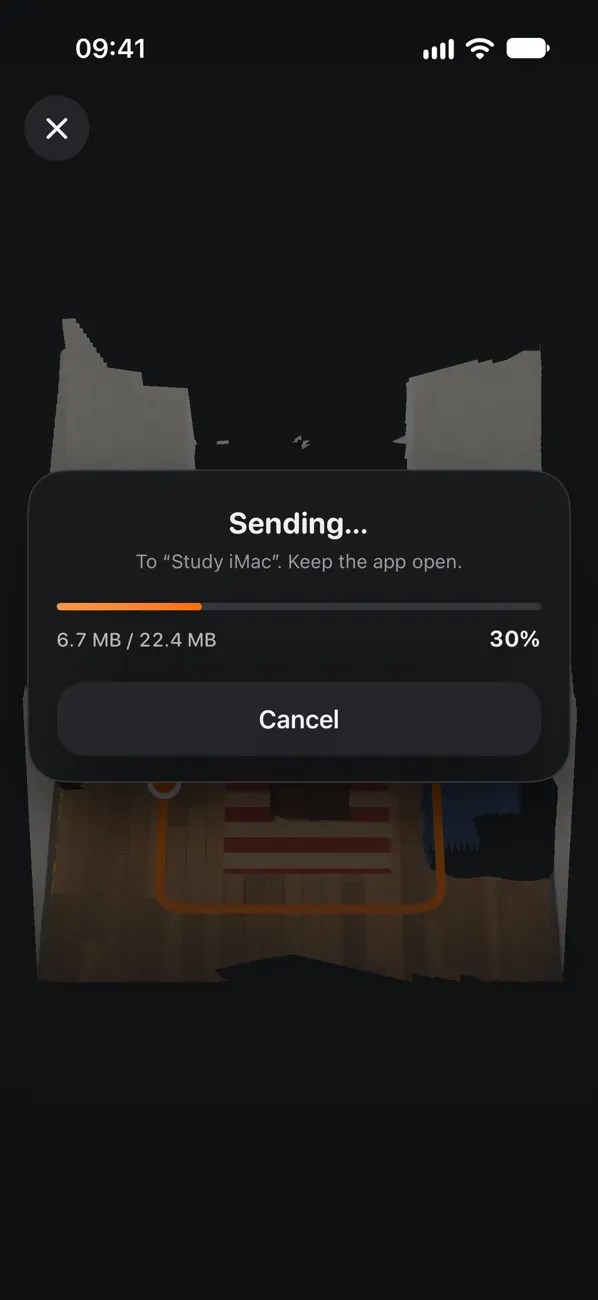
Send over your local network, or share the scan file with AirDrop or Files.
App screens (English)
Your phone records the space. Your computer handles reconstruction, training and editing.
Open the app and allow camera access. Start in a small, evenly lit room. Move slowly, check the coverage and hints, then save your scan.
Open scan receiving on your computer, read its connection code with your phone and send. You can also export the scan file with AirDrop or Files.
Import into a version of MakeWorlds Studio that supports scan files. Reconstruct and train, then inspect, edit and export the result.
Desktop downloads are not open on this site yet. To continue, use a desktop version that supports scan file import.
Requires iOS 26.0 or later. An iPhone with a LiDAR Scanner records depth and shows scanned surfaces during capture.
A compatible iPhone without LiDAR records points tracked by the camera. The two modes produce different previews and capture data.
No account or sign-in. Scans are processed and saved on your phone. The app does not automatically upload them; you choose when to send or share.
The phone displays a scan preview. A scan file is capture material; the final Gaussian scene needs reconstruction and training in a compatible desktop version.
Download the iPhone app free from the App Store, without an account or invitation code. Desktop installer access is explained separately on the download page.
Free · No account · iPhone · iOS 26.0 or later
