
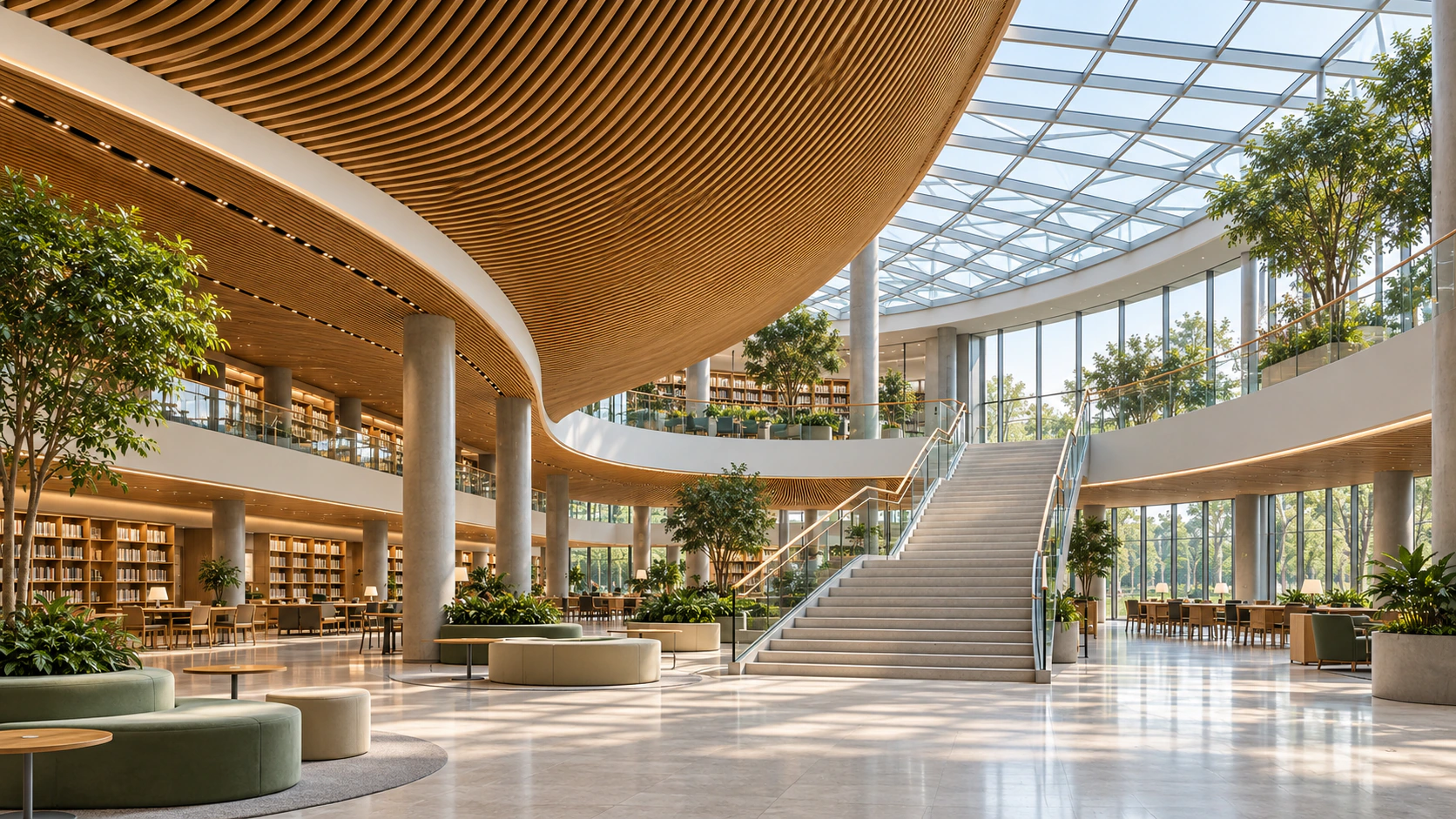

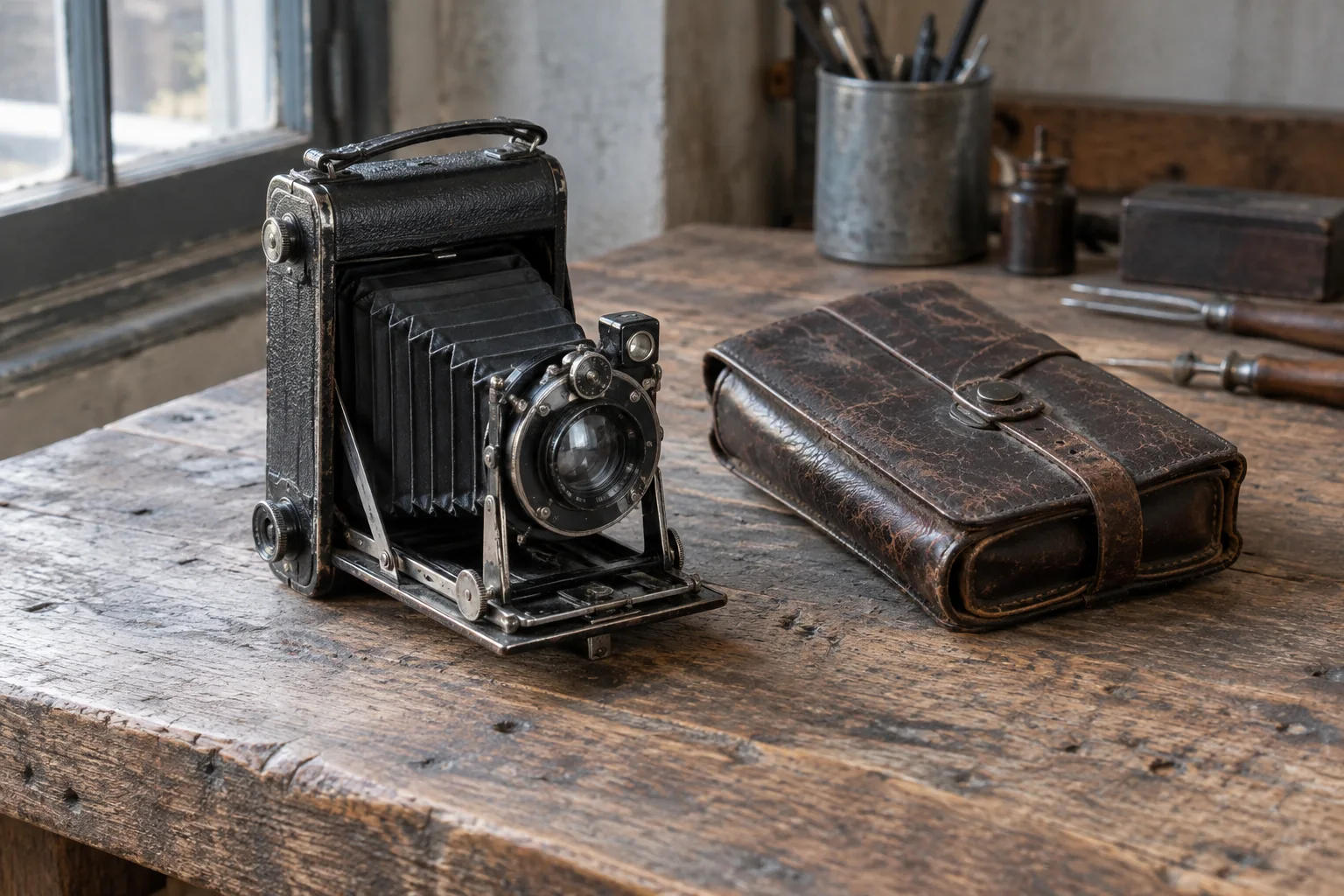
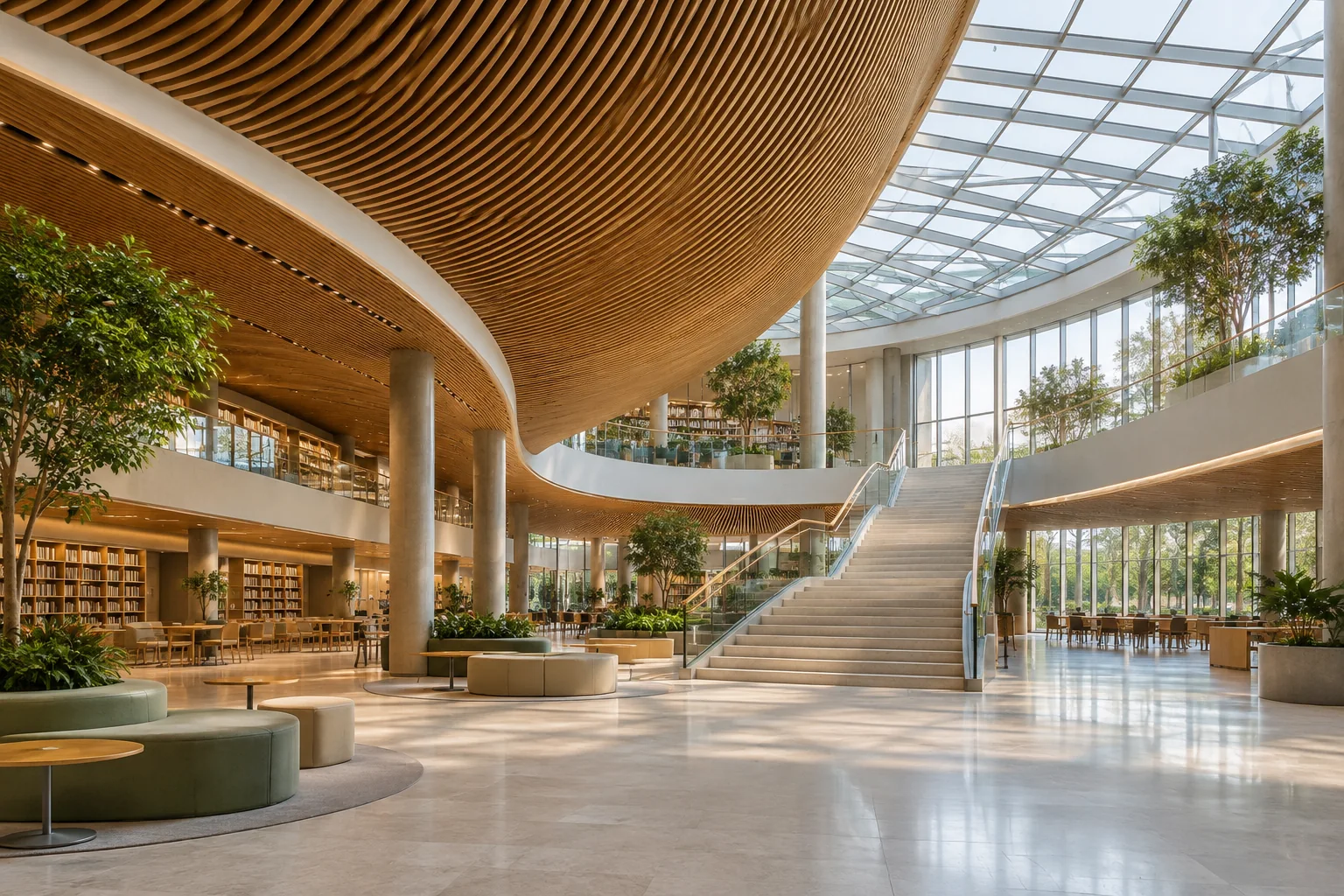

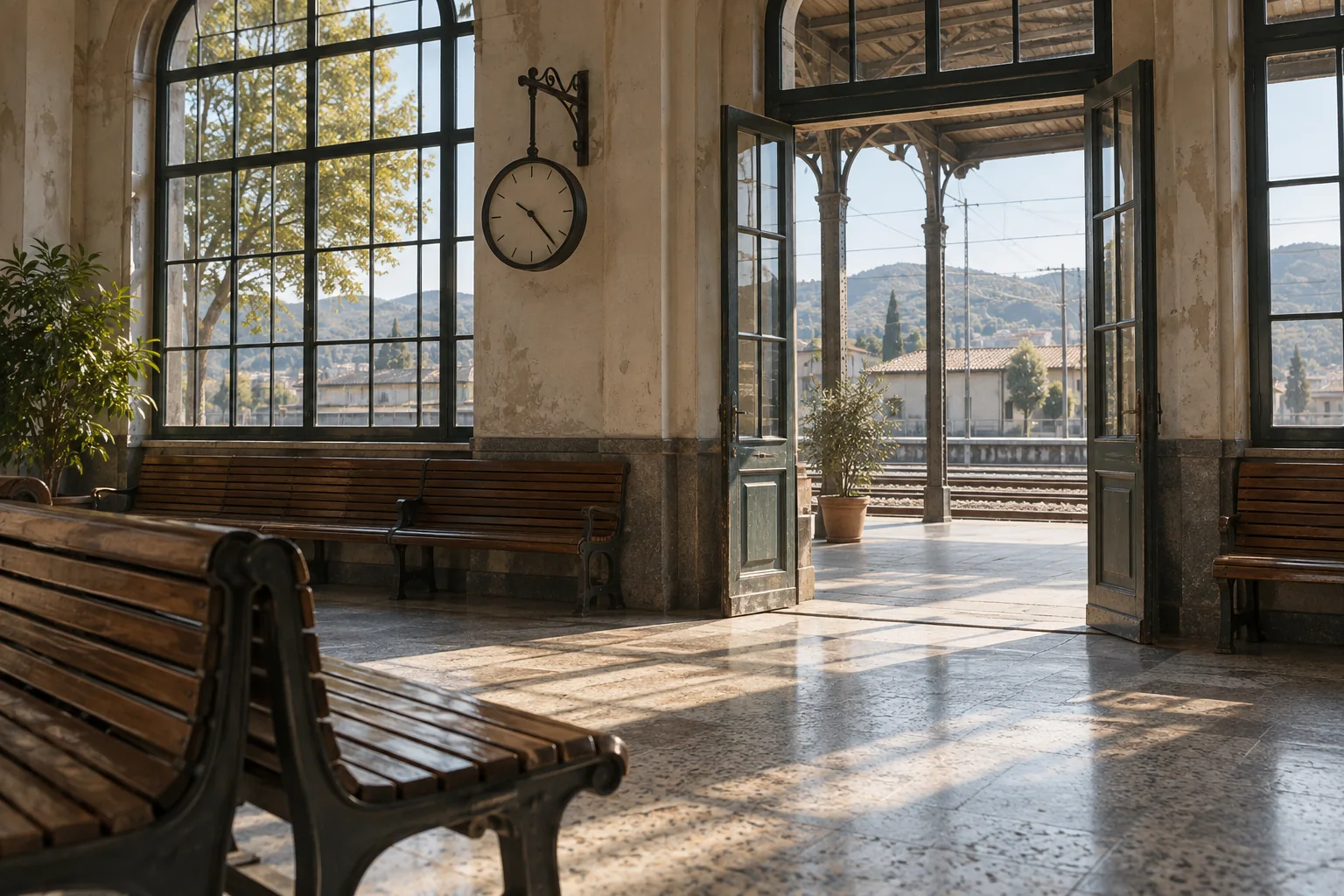
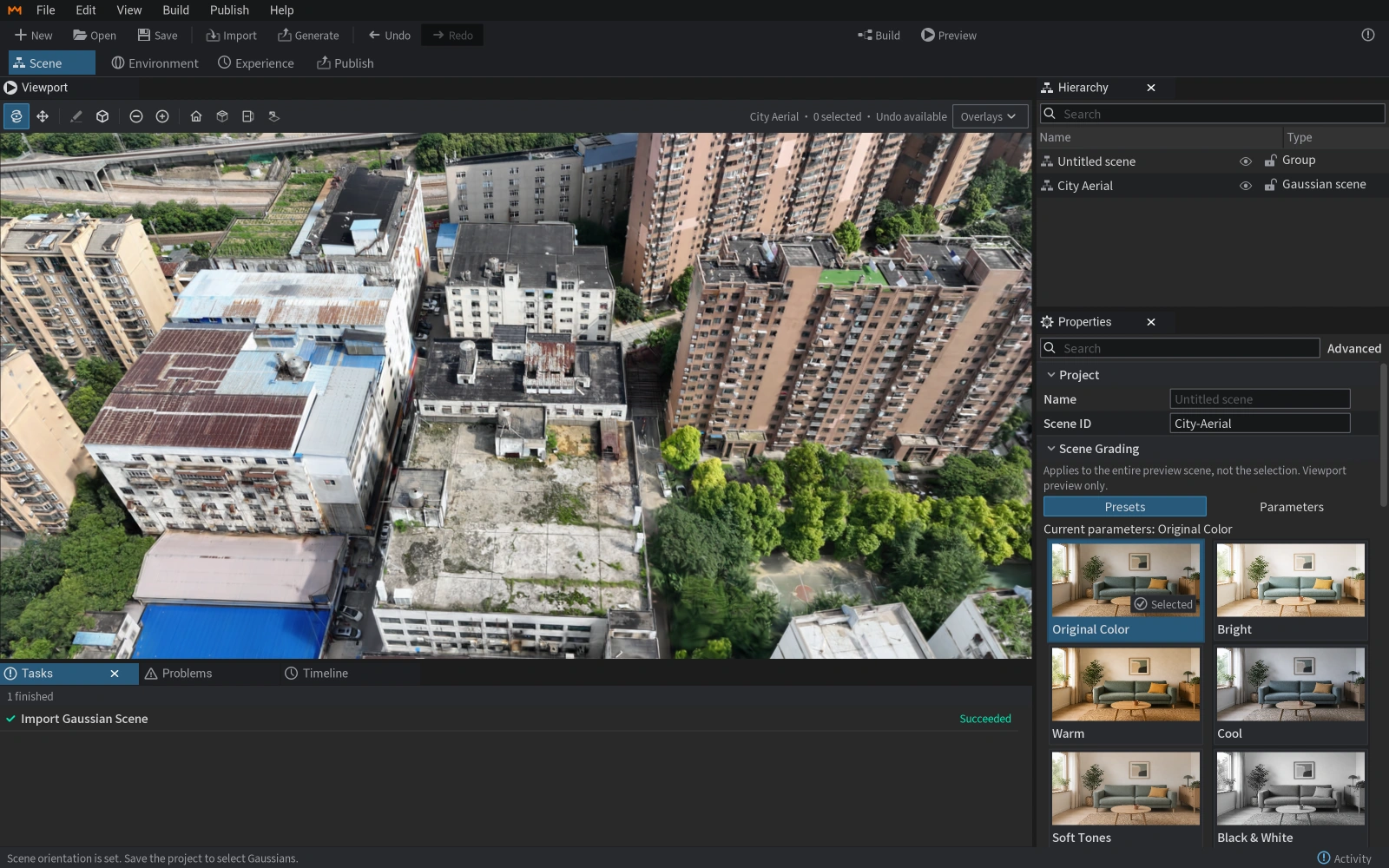
Different viewpoints, one space
Organize images or video of the same scene and choose the matching input type. Sharp images and consistent coverage are the starting point.
Choose your input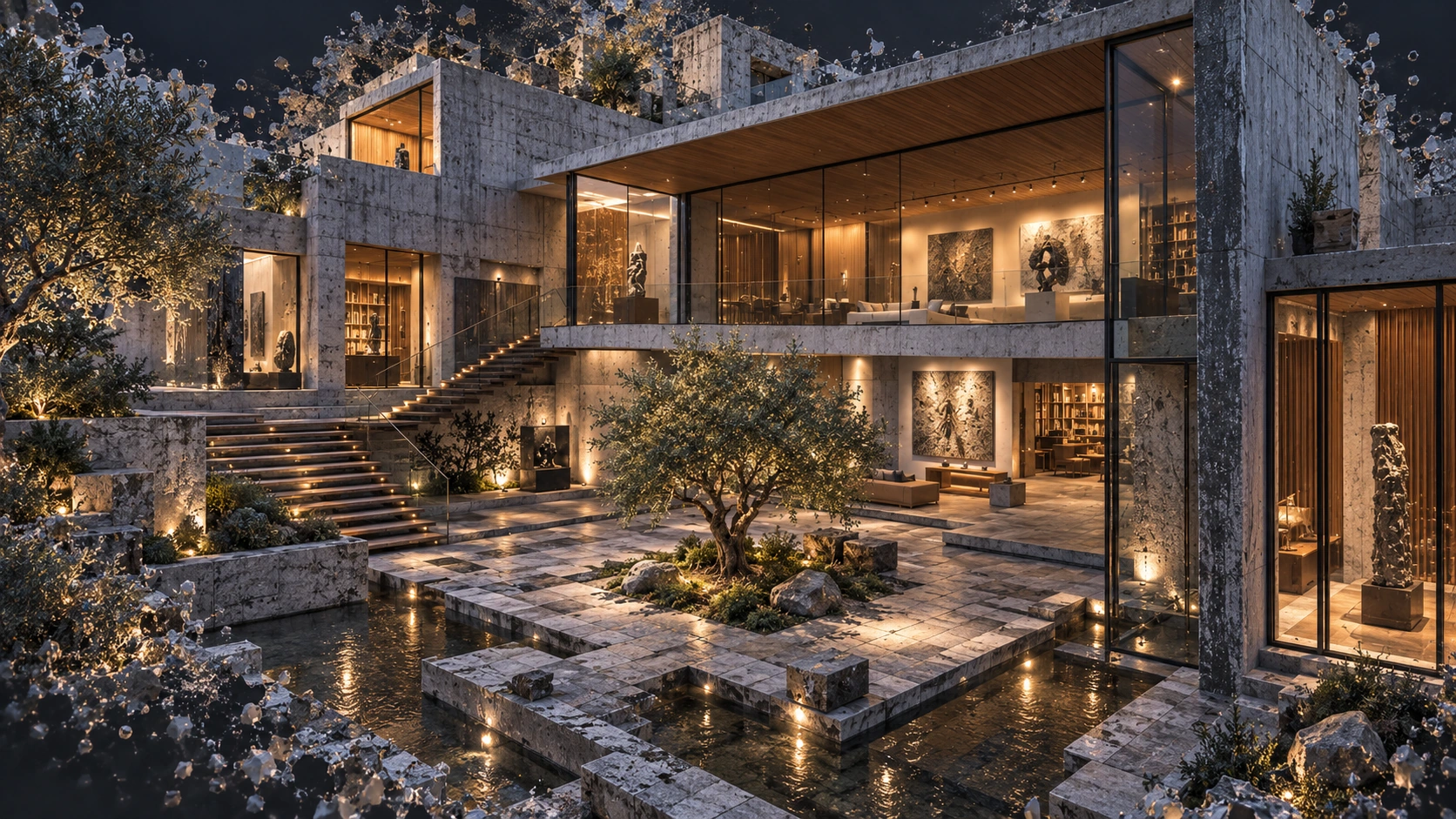
MakeWorlds Studio
Reconstruct locally.No media upload required.
Turn photos, video, panoramas and aerial imagery into Gaussian scenes you can explore and edit.
 MakeWorlds Scanner
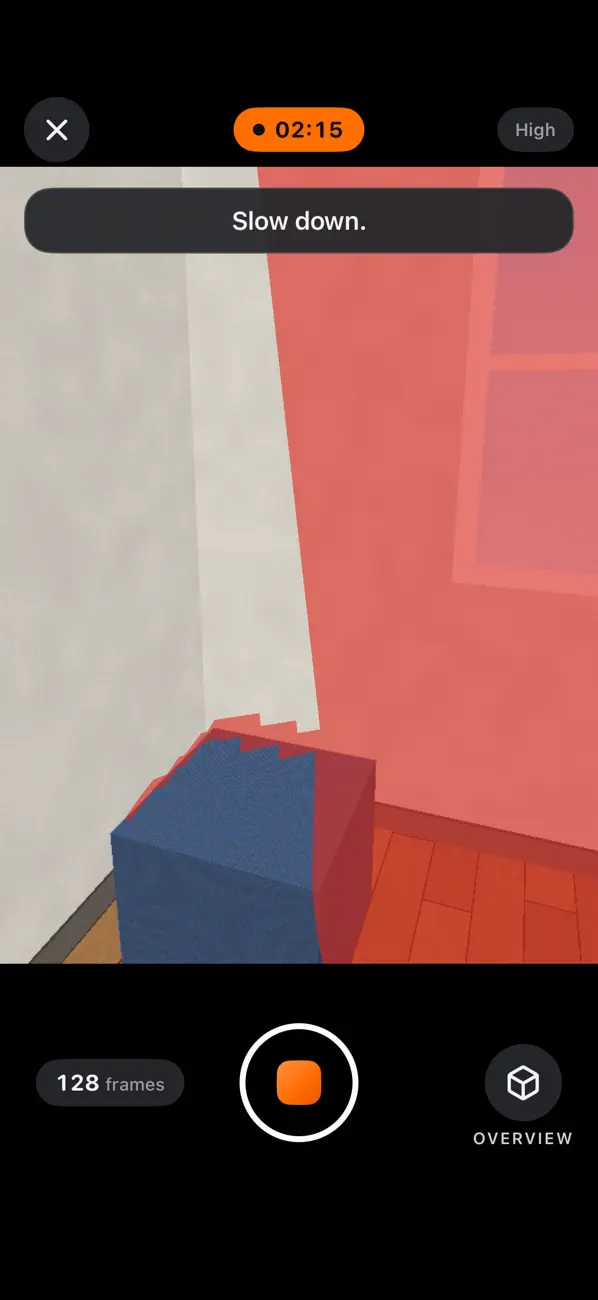
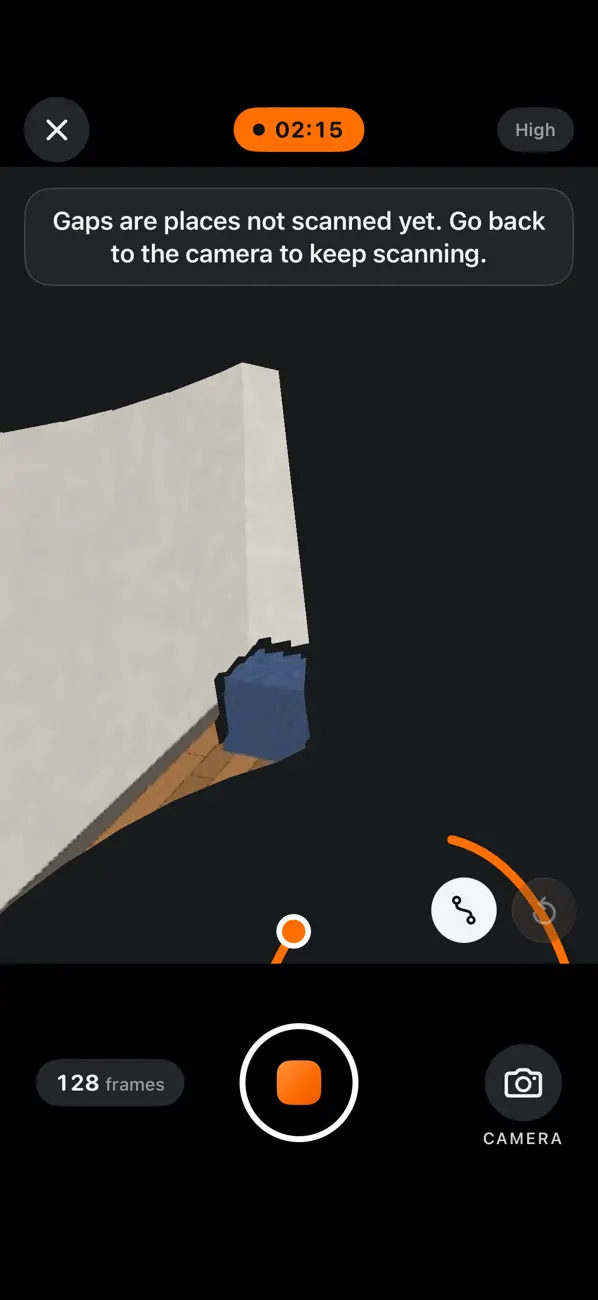
Capture indoor spaces with MakeWorlds Scanner, check your coverage, then send the scan to your computer to reconstruct in MakeWorlds Studio.
Free · No account · iPhone · iOS 26.0 or later
LOCAL PROCESSING & PRIVACY
Create 3D scenes without uploading your source photos or videos to the cloud.
Projects & PLY
No cloud uploads
From a personal collection to a production environment or project site.
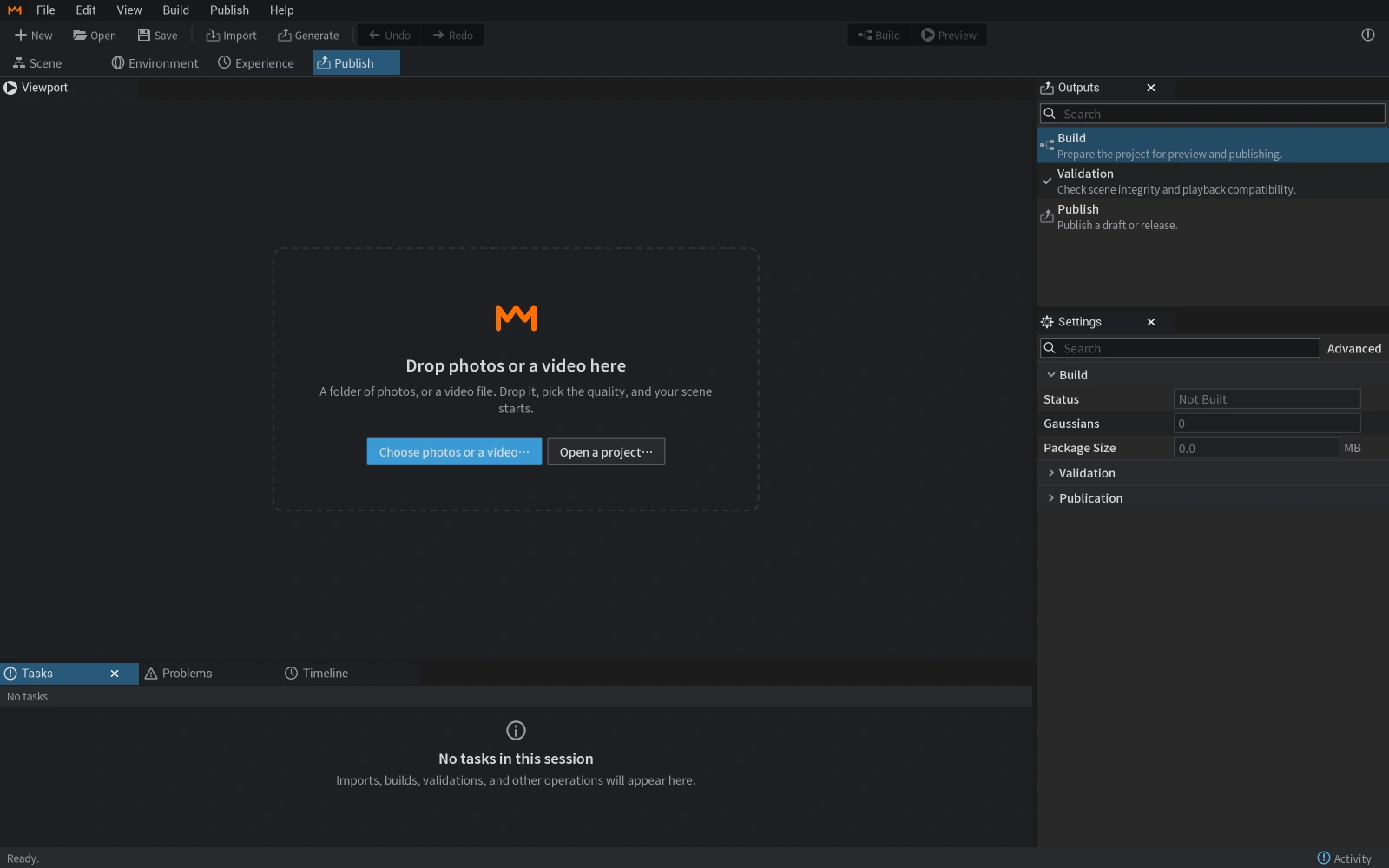
Organize images or video of the same scene and choose the matching input type. Sharp images and consistent coverage are the starting point.
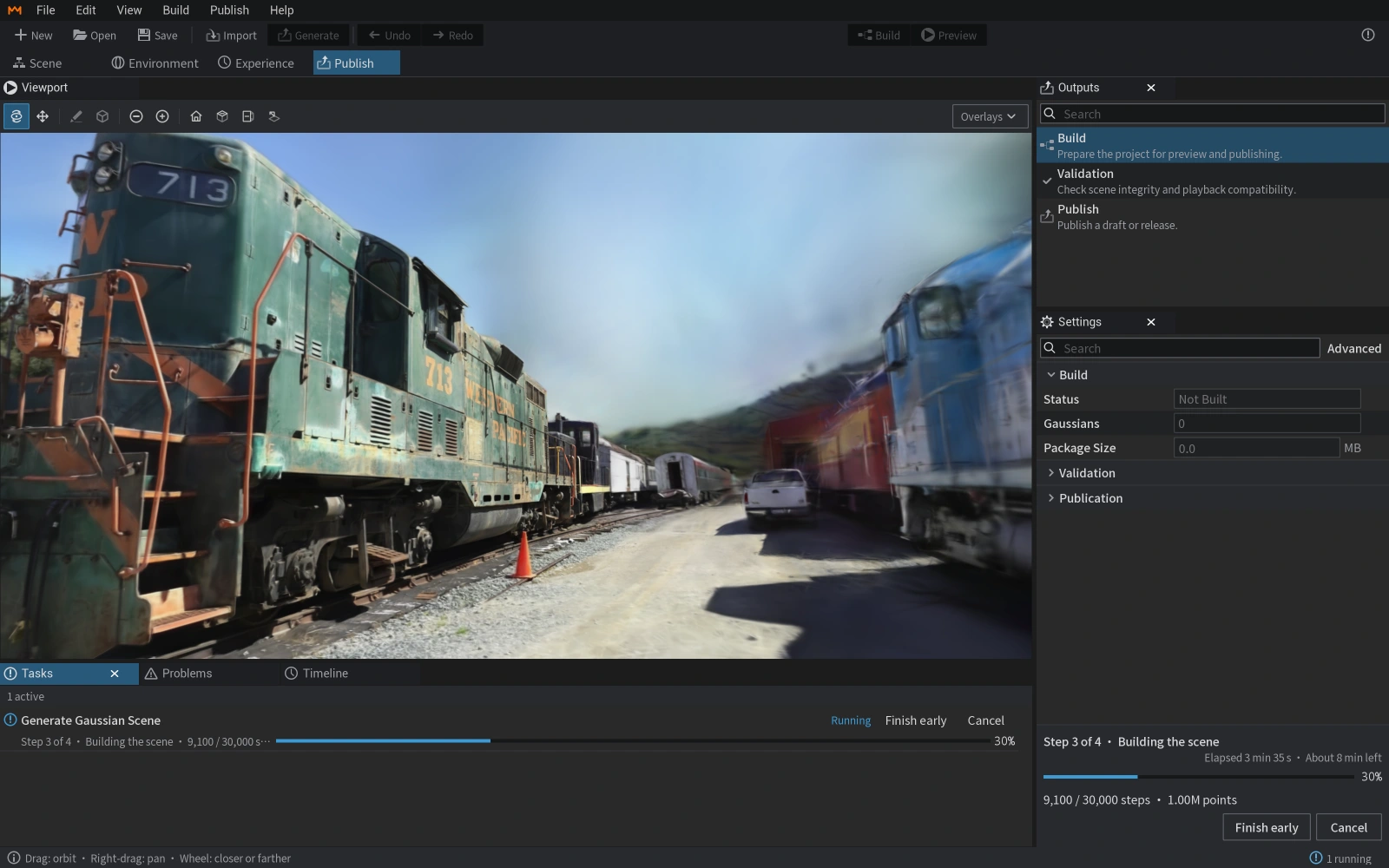
Choose your inputReconstruct and train a Gaussian scene locally. Inspect the subject, edges and missing areas from several viewpoints.
About reconstruction and reviewAdjust your scene, remove unwanted background and floating regions, and save an editable project.
Explore basic editingSave your project, export Gaussian PLY, then open and inspect it in a tool that supports Gaussian data.
Read the delivery guide
Follow the path from camera estimation to Gaussian scene representation and novel-view rendering, with diagrams, an animation, and MakeWorlds Studio case studies.
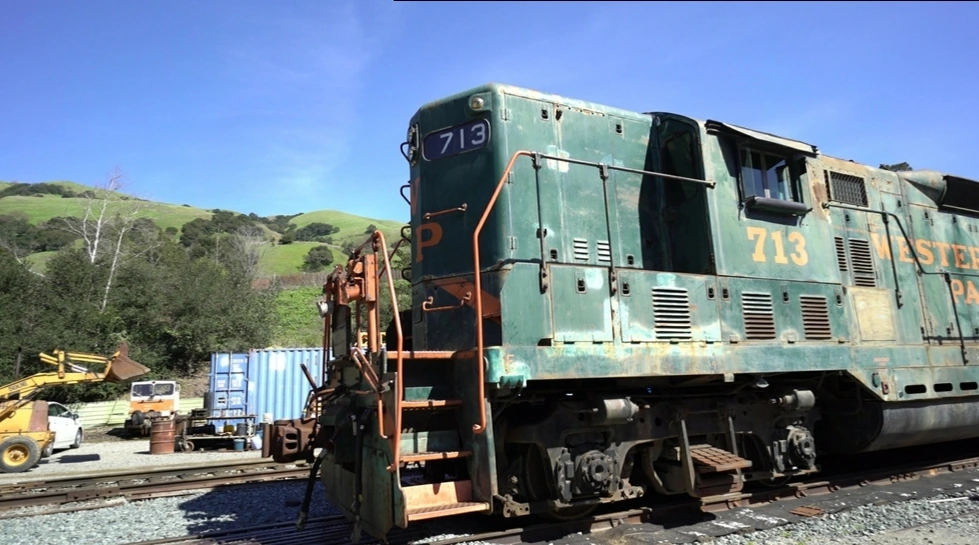
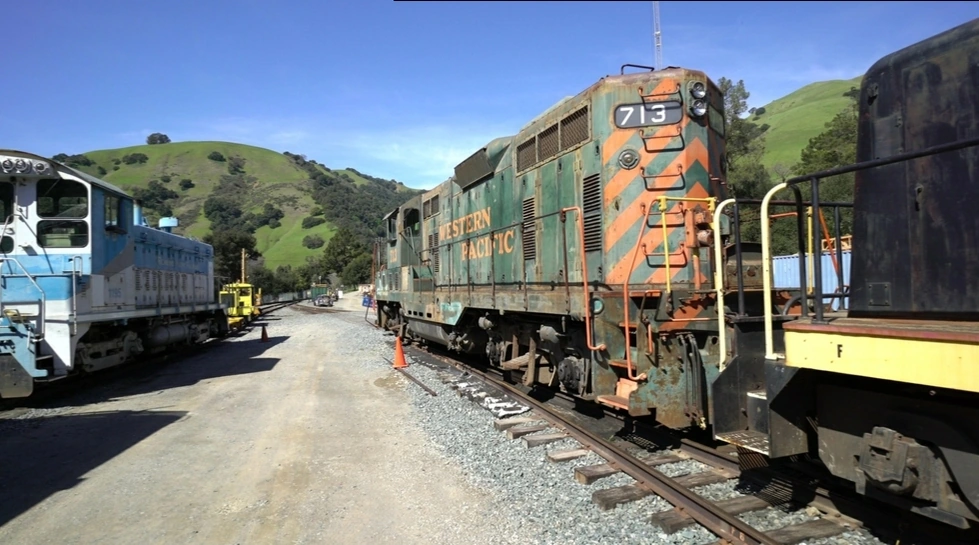
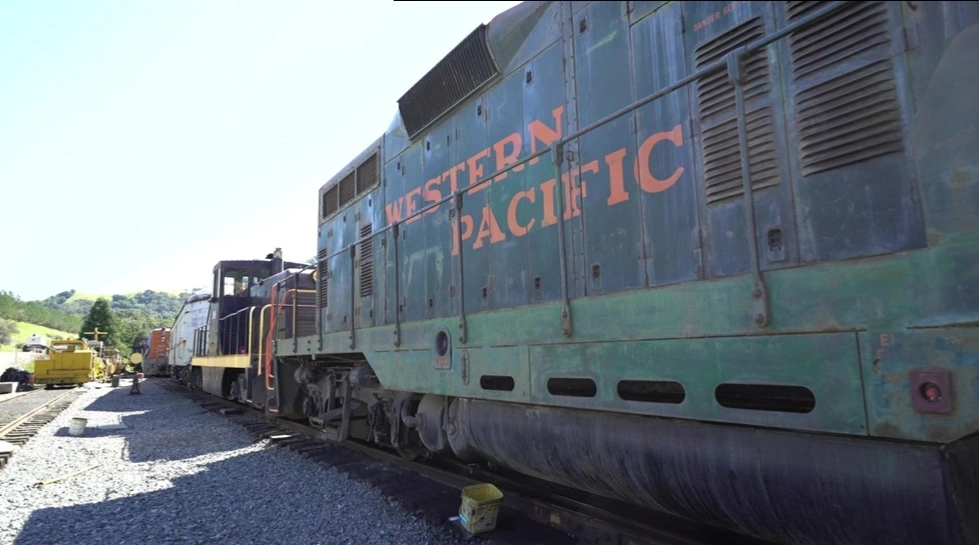
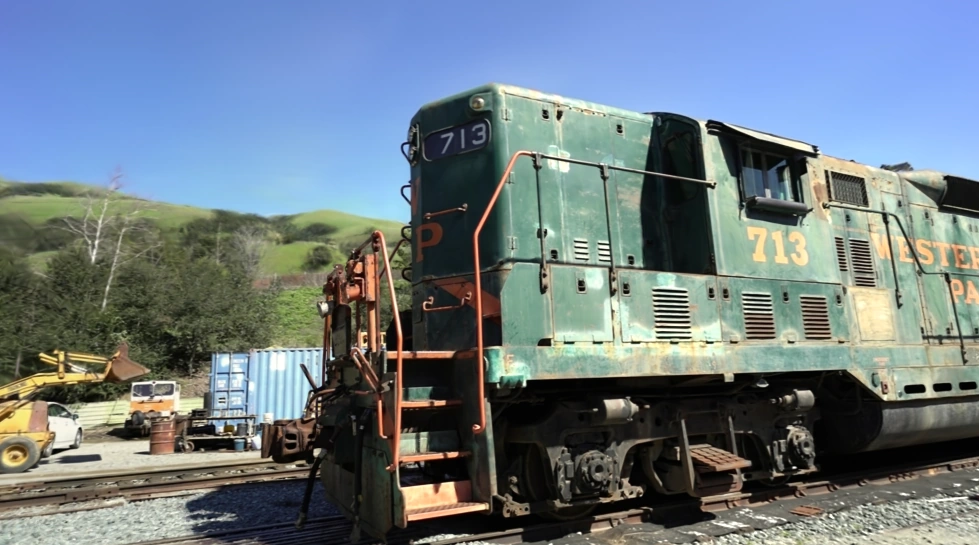
301 registered photos, three viewpoints, and results from Mac, Linux, and Windows. Inspect Train from locomotive markings to railings and panel detail.
Reconstruct, train, make basic edits and export PLY on your own computer.
Professional, Subscription, Enterprise and Premium are coming soon. Their capabilities are planned for future releases.
Explore edition plansQuestions about MakeWorlds Studio, technical support, or working together? Get in touch.