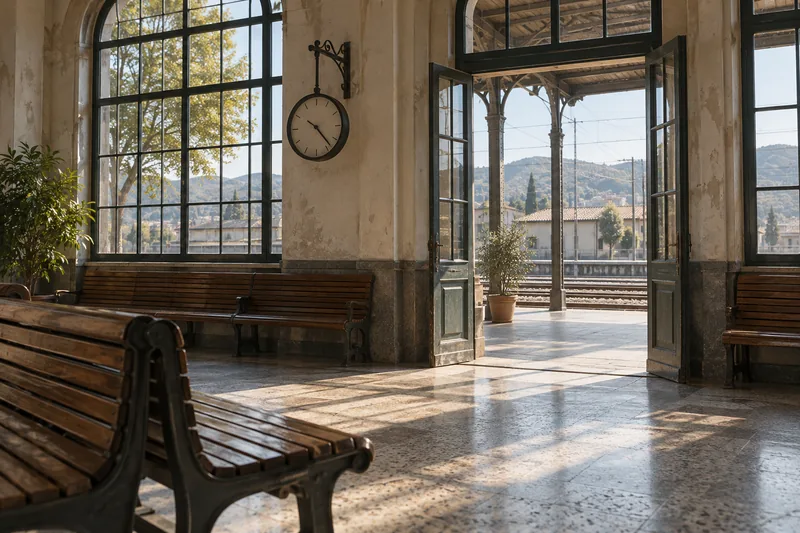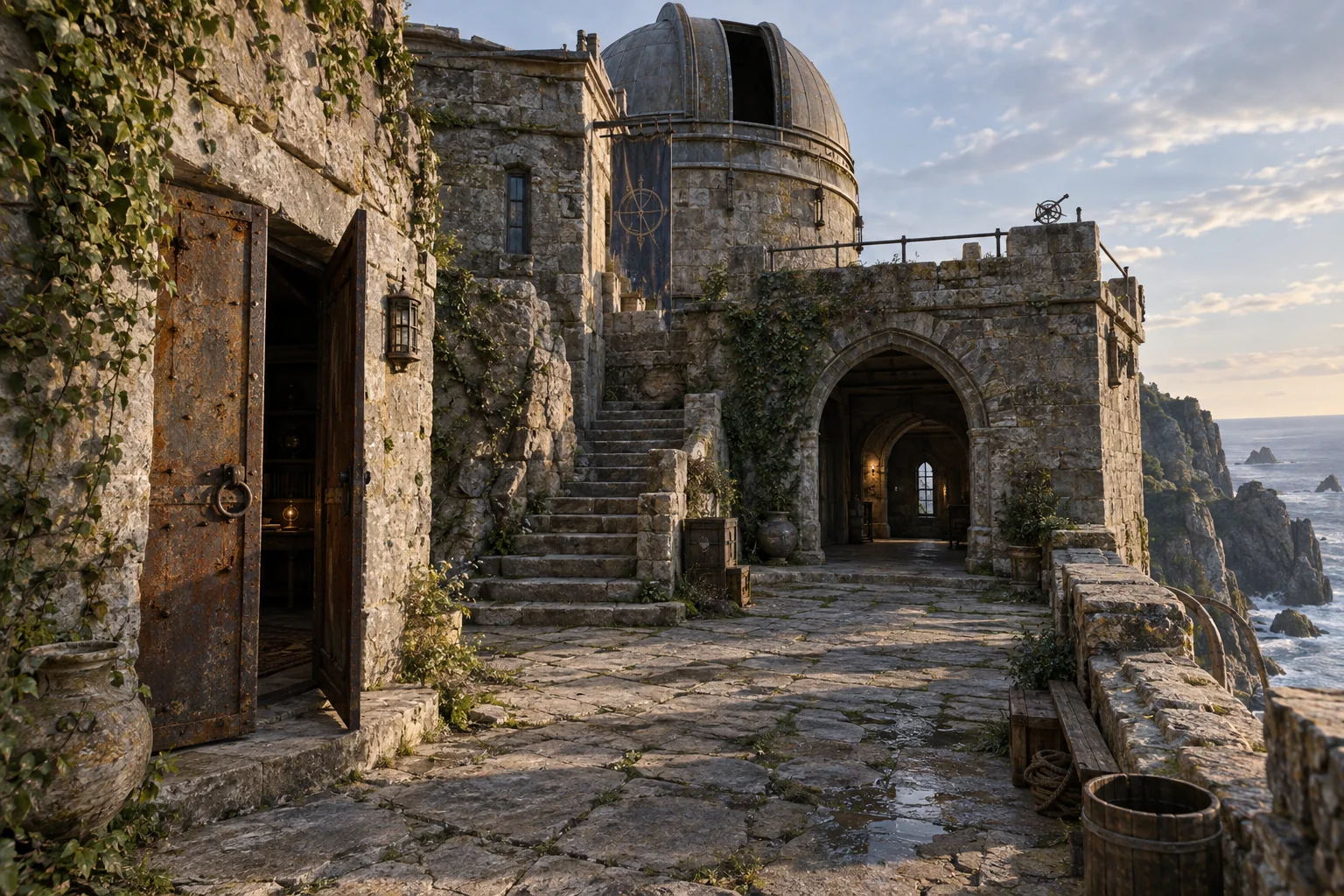
Level prototypes
Use visible entrances, turns and viewpoints as context for level design discussions.
A stairway, a courtyard or a passage into a room can become the starting point for an environment. Build a Gaussian scene from captured images and video in MakeWorlds, then continue production in your engine.
Use visible entrances, turns and viewpoints as context for level design discussions.
Preserve the appearance of walls, steps and objects for an engine that supports Gaussian rendering.
Plan capture around the route you want players to explore, with clear views of the details that matter.
01
Begin with a small environment and a clear route. Ground-level photos can cover details; steady video can record a continuous path. Choose the input workflow that matches your media.
Move around courtyards, doorways and corners instead of only rotating the camera from one position.
Include shared visible features across entrances, stairs and corridor turns to reduce gaps.
Avoid crowds and moving objects where possible, and reduce large lighting changes across views of the same surface.
02
Inspect entrances, nearby walls and narrow corners in Studio for floating content, gaps and unwanted background.
The Gaussian scene provides appearance. Collision, navigation, triggers and game logic need separate work in the next production stage.
03
Save the Studio project and export Gaussian PLY. Verify it opens correctly in your engine and Gaussian plugin, then check scale, orientation, camera paths and the target device.
Import and review in Unreal / UnityUse free Standard for local reconstruction, training, basic editing and PLY export.