Skip to content

MakeWorlds Studio

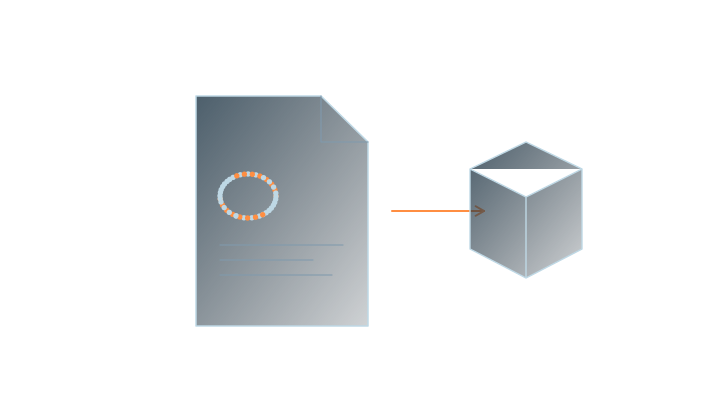
Phone and camera video to 3D

Capture different viewpoints in continuous video, then reconstruct, train and edit in Studio.

01Continuous movement
02Keep frames sharp
03Start small
01

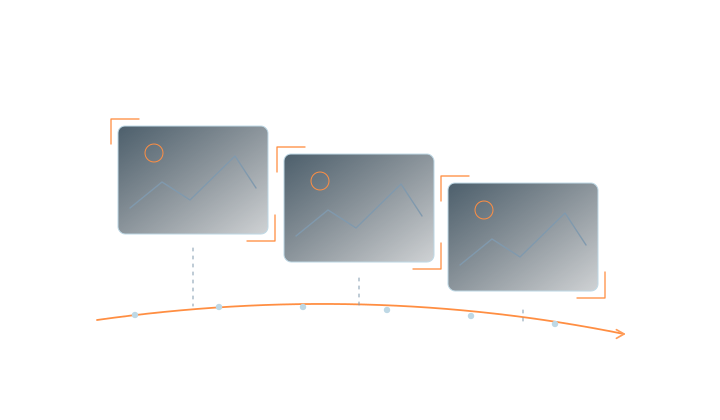
Change position as you capture

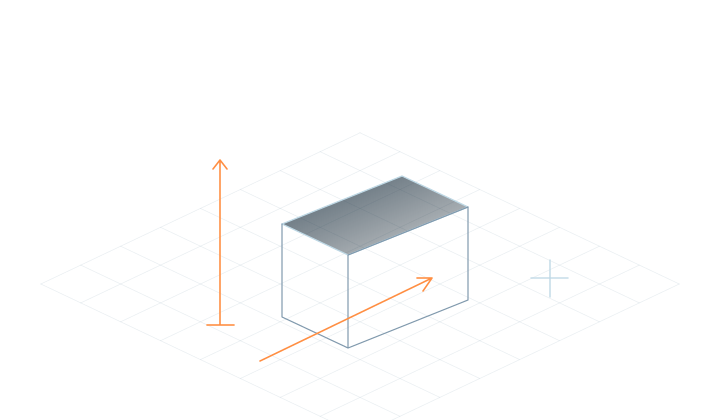
Choose a well-defined scene you can cover fully.

Read the guidance

Move steadily around the subject or through the scene, capturing shared areas from different positions. Turning in place provides different information from moving through the space. Cover the views you want to inspect.
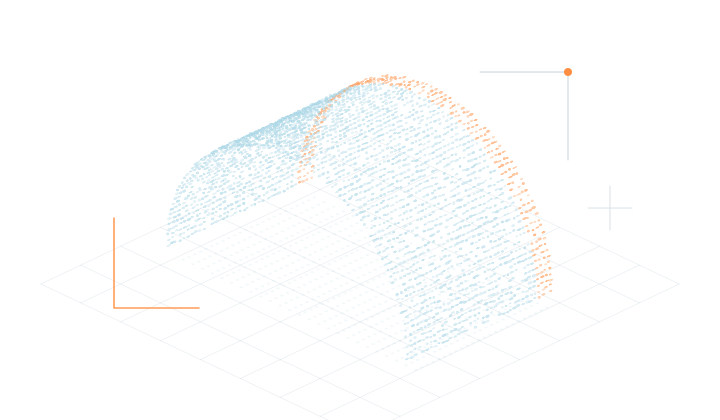
02

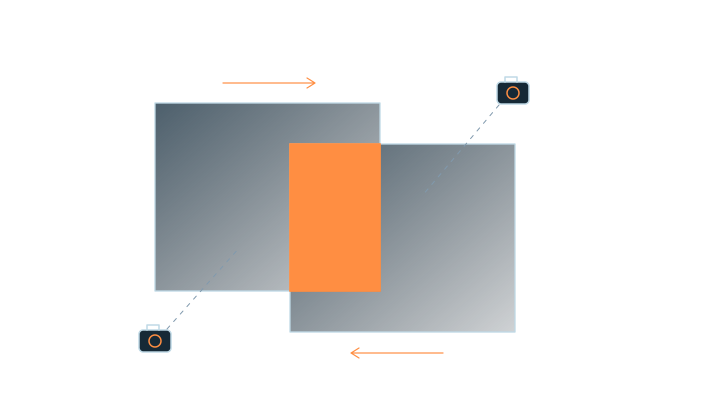
Keep frames sharp and connected

Continuous movement, with shared detail between nearby views.

Read the guidance

Move steadily and minimize sudden turns, fast sweeps, motion blur and exposure changes. Start with a small static scene and keep the original video.

03

Import video and reconstruct

Use a small set of media to learn the reconstruction and training workflow.

Read the guidance

Choose the matching video input in Studio and follow the steps to prepare frames, reconstruct and train. Learn with a small, well-covered scene before processing longer captures. Processing time depends on the media and hardware.

04

Review, edit and export

Save the project, export Gaussian PLY and check the receiving tool.

Read the guidance

Inspect the viewpoints you need, remove unwanted background and save the project. Prepare PLY results for their intended use, and see edition features for browser publishing and team services.

Frequently asked questions

Is any video suitable for 3D reconstruction?

Reconstruction needs sufficient viewpoint changes and shared areas. Heavily edited footage, blurred frames or little change in camera position may not produce a coherent scene.

Do panoramic and ordinary video use the same input path?

Choose the input type that matches your media. See the panorama reconstruction guide for panoramic video capture.

How do I get started?

Check device and installer requirements, capture a small scene thoroughly, and start local reconstruction, training and basic editing with free Standard.

MakeWorlds Studio · Standard

Free Standard

Reconstruct, train and make basic edits on your own computer.