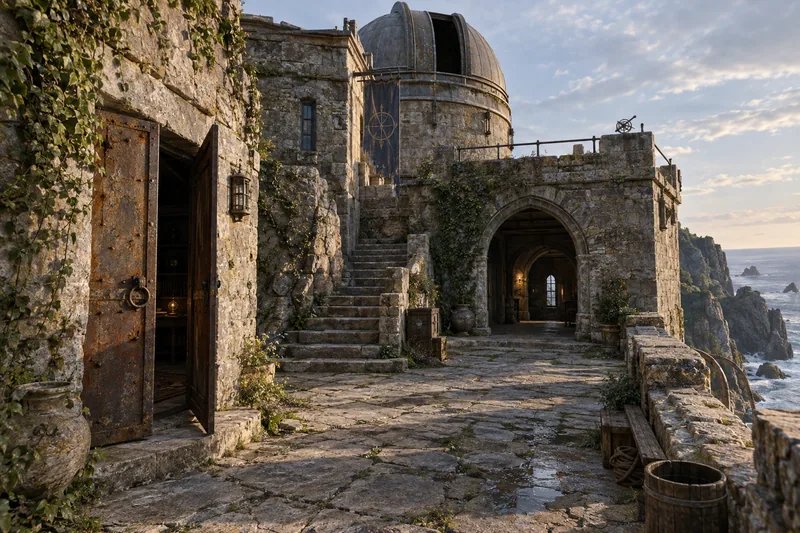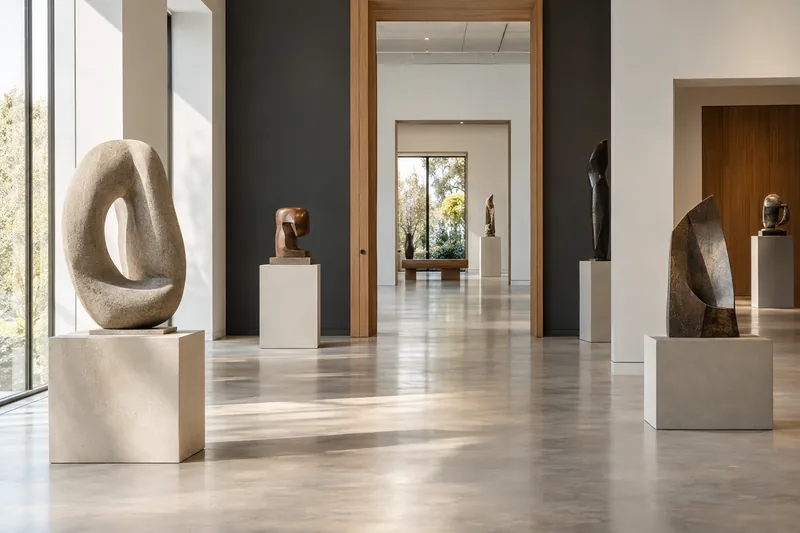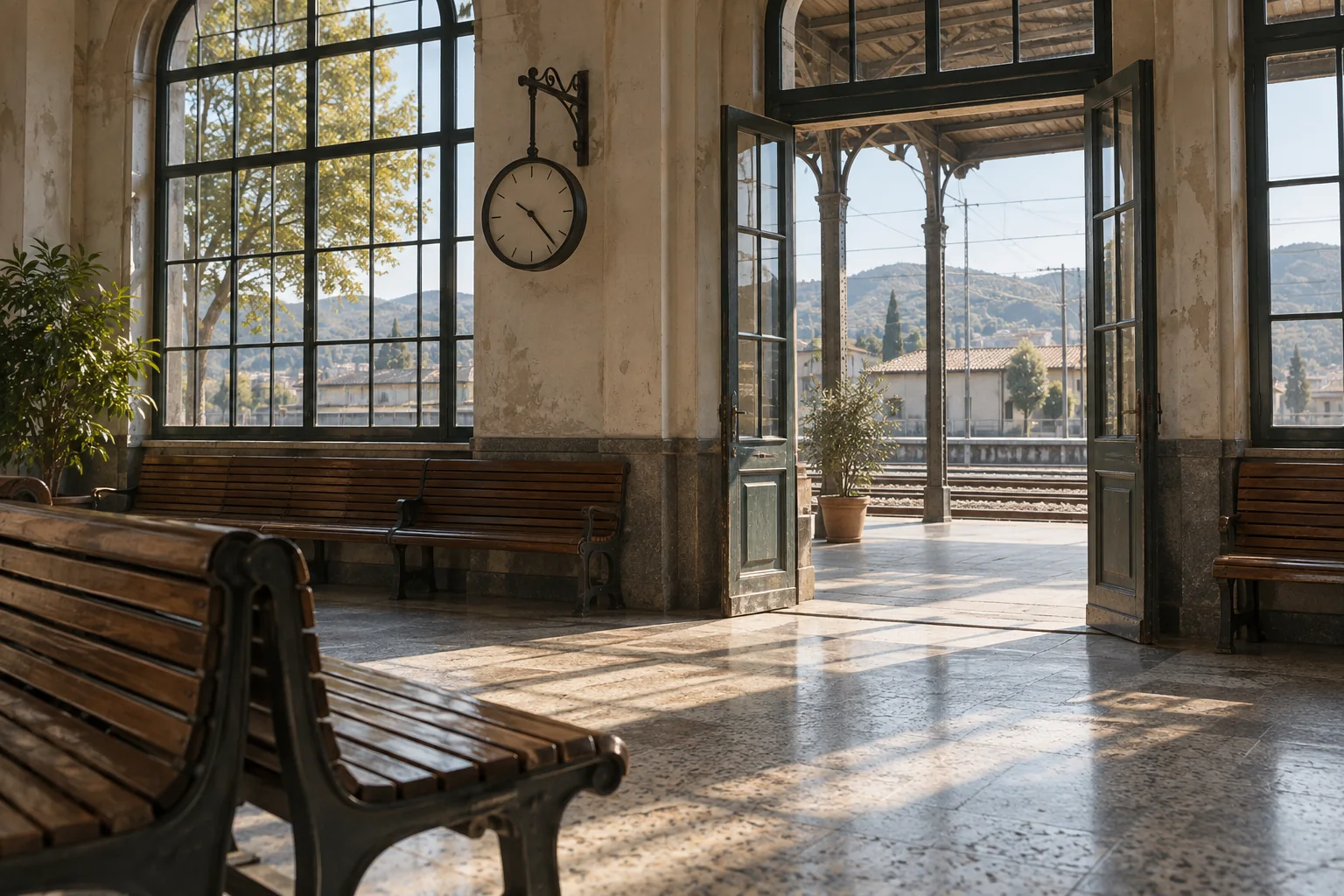
Location previews
Preserve the relationship between doors, windows, columns and routes to help the team understand the location.
Keep a location available for framing, camera-position and movement discussions after the scouting visit. Prepare a 3D environment in MakeWorlds, then take it into the next stage of shot planning and production.
Preserve the relationship between doors, windows, columns and routes to help the team understand the location.
Check sightlines and occlusions from intended viewpoints before setting up cameras and shots in the engine.
Prepare the appearance of a static location for continued use in Gaussian-compatible tools.
01
Work backward from the intended camera positions and movement. Cover foreground elements, route turns and connected spaces instead of only capturing an attractive front view.
Add viewpoints around the planned positions and height changes, especially where foreground objects hide the background.
Capture each set with consistent staging and lighting, reducing moving people, moved props and abrupt exposure changes.
Organize original media by area and note the date, main routes and details to preserve for later review.
02
Inspect close views, side views and corners in Studio. Prioritize coverage along the intended shot path.
Remove unwanted background and floating content, retain the project and use the cleaned scene as production input.
03
After exporting Gaussian PLY, check import, orientation and scale in the target engine or Gaussian plugin. Camera animation, characters, lighting and compositing belong to the downstream tools.
Plan shots and compositing in an engineUse free Standard for local reconstruction, training, basic editing and PLY export.