Skip to content

MakeWorlds Studio

Multi-view photos to 3D

Capture different views of the same subject with a phone or camera. Start with a small object or a familiar space.

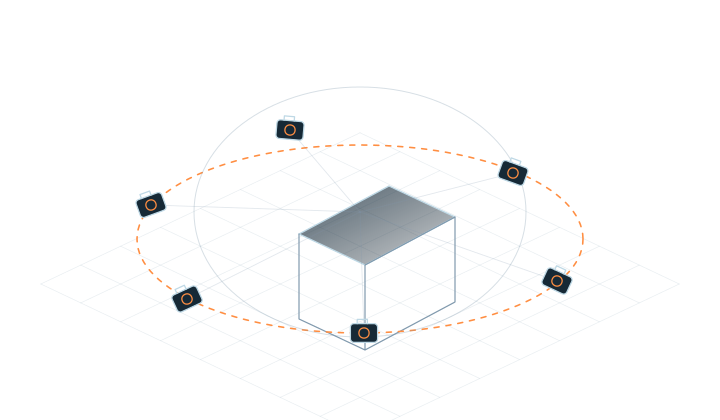
01Circle one subject
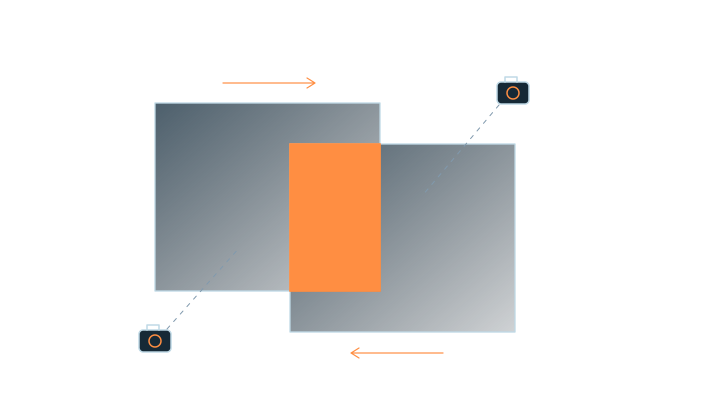
02Keep views overlapping
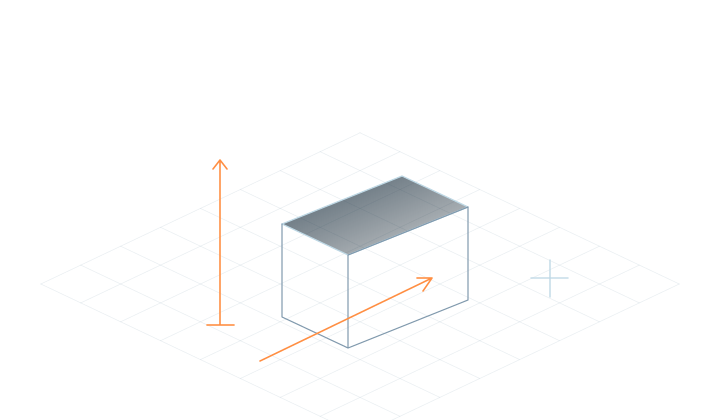
03Vary camera height
01

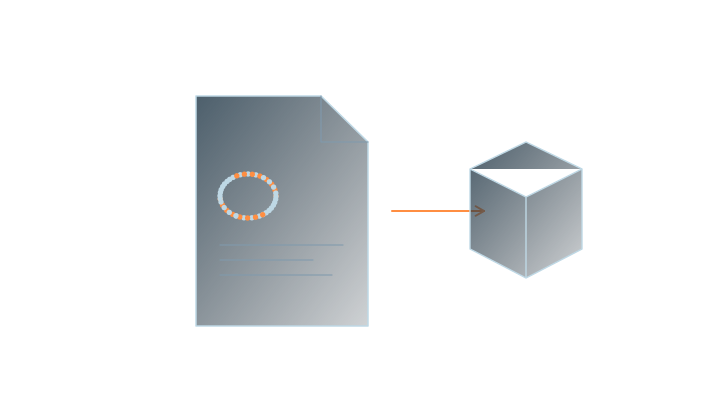
Choose a subject you can cover

Choose a well-defined scene you can cover fully.

Read the guidance

Choose a stationary subject or area with steady lighting and room to move around. Retain useful background detail so neighboring photos share identifiable areas, and keep each scene’s media together.
02

Capture context as well as detail

Circle one subject, with shared detail between nearby views.

Read the guidance

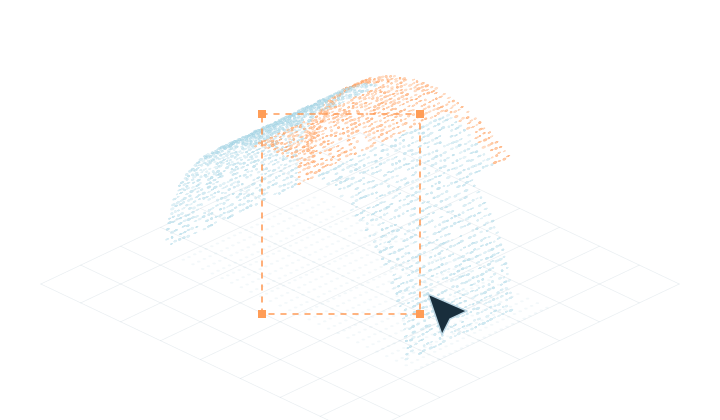
Capture from different positions with overlap between neighboring photos. Include the sides and upper surfaces you want to see, and keep sharp originals.

03

Review several viewpoints

Inspect edges, gaps and floating regions from several views.

Read the guidance

After reconstruction and training, inspect subject edges, small structures and background. For blurred or floating areas, review the source images and coverage before recapturing or cleaning up.

04

Export Gaussian PLY

Save the project, export Gaussian PLY and check the receiving tool.

Read the guidance

Save the project and export Gaussian PLY for its intended use. The receiving tool must support Gaussian Splatting data; the same file extension does not guarantee compatibility with every point-cloud or mesh application. Check the result in the destination software.

Frequently asked questions

Can I reconstruct a scene from one photo?

This workflow uses multiple views of the same subject or scene to establish spatial relationships. Prepare a set of photos with coherent coverage.

Do I need a professional camera?

Start with phone or camera images. Focus on sharpness, steady lighting and viewpoint coverage, and confirm that the current release supports the format.

What does free Standard include?

Free Standard includes local reconstruction, training and basic editing. Paid editions are coming soon.

MakeWorlds Studio · Standard

Free Standard

Reconstruct, train and make basic edits on your own computer.