Check your media and device
Choose your input type and check operating-system and GPU support. For a first attempt, work locally with a small scene.
MakeWorlds Studio
Prepare your media, reconstruct, refine and choose how to deliver.
Choose your input type and check operating-system and GPU support. For a first attempt, work locally with a small scene.
Group the media for one scene and check that the original files open correctly. Exclude clearly blurred or unrelated views from the input, and check coverage along the viewpoints you want to explore.
Choose the matching input type in Studio, import your media and follow the interface through reconstruction and training. Processing time depends on your media, device and scene size.
Inspect the subject, edges and gaps from the viewpoints you need. Remove unwanted content and save the project. After exporting Gaussian PLY, check how it appears in the receiving tool that supports Gaussian data.
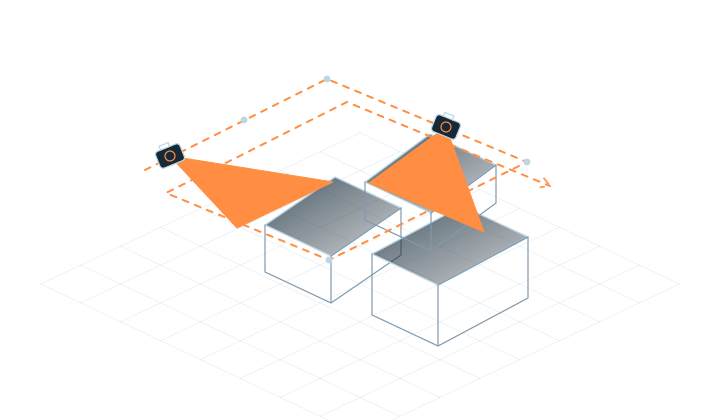
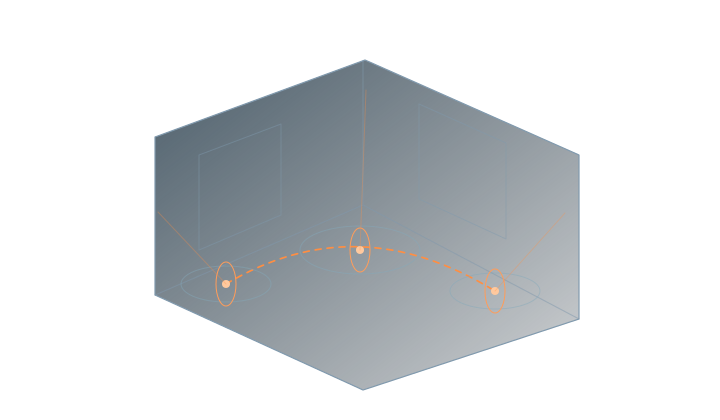
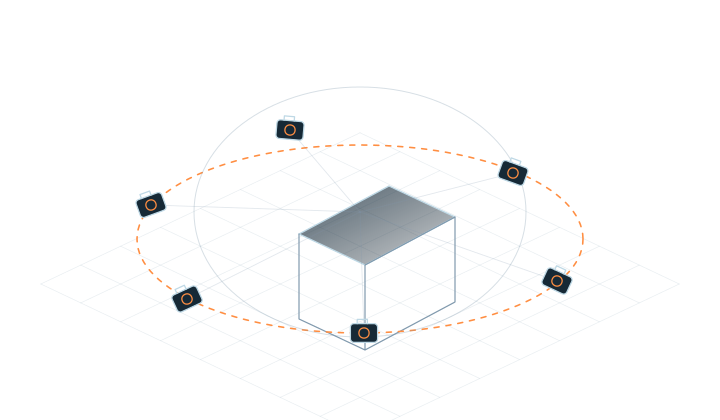
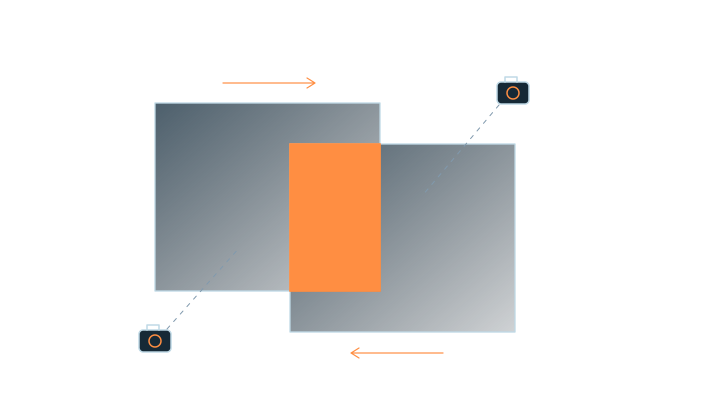
Capture the subject from different positions, keeping shared content in neighboring views and covering the sides you want to see.
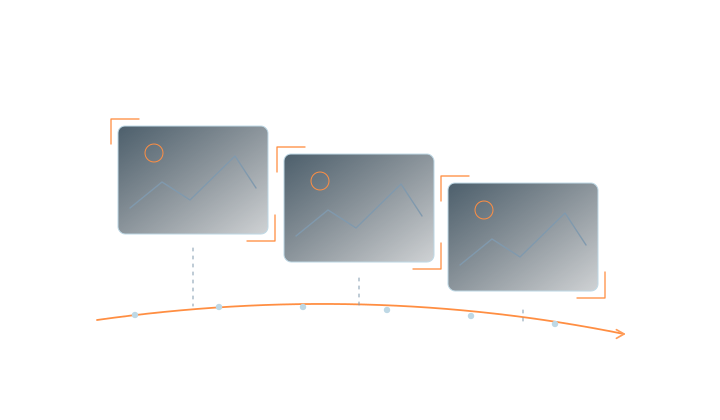
Move slowly and steadily to reduce motion blur and sudden exposure changes, and avoid moving subjects where possible.
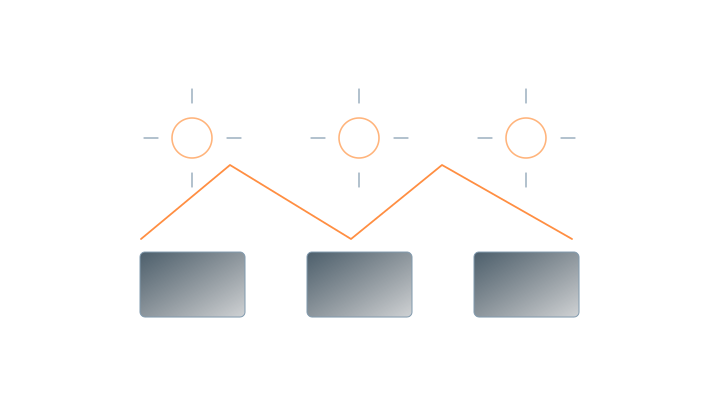
Keep lighting and exposure consistent, and avoid moving subjects and sudden brightness changes.
Learn the process with a small scene. After reconstruction, check subject coverage, the viewpoints you need and any blurred or floating regions.
If the result is weak, review sharpness, overlap and viewpoint coverage. Missing capture information will often require additional footage.
Remove unwanted background and floating regions, save the project and export the files you need. Open and inspect the result in the recipient’s software before delivery.
Gaussian PLY requires a viewer or editor that supports Gaussian data. Confirm compatibility with the destination software and version.
Explore editing and exportCheck the operating system, GPU, memory and storage. Before working on a large scene, test your device and workflow with a small subset of media.
View system requirementsFree Standard includes local reconstruction and training, basic editing and PLY delivery.
Professional, Subscription, Enterprise and Premium are coming soon. Commercial licensing is not open yet.
View editions and availabilityMakeWorlds Studio · Standard
Reconstruct, train and make basic edits on your own computer.