How does panorama viewing differ from 3D reconstruction?
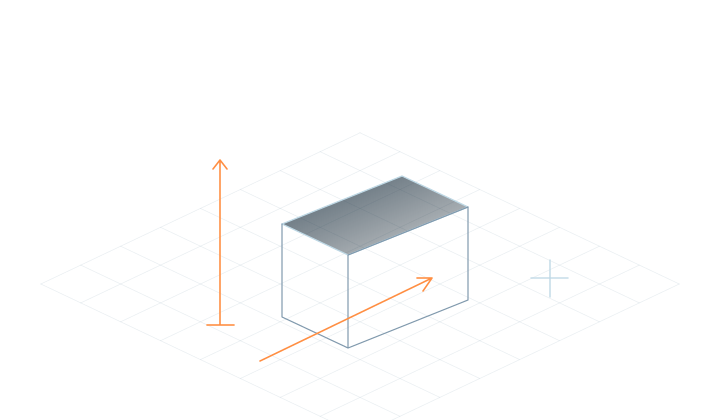
Choose a well-defined scene you can cover fully.
Read the guidance+
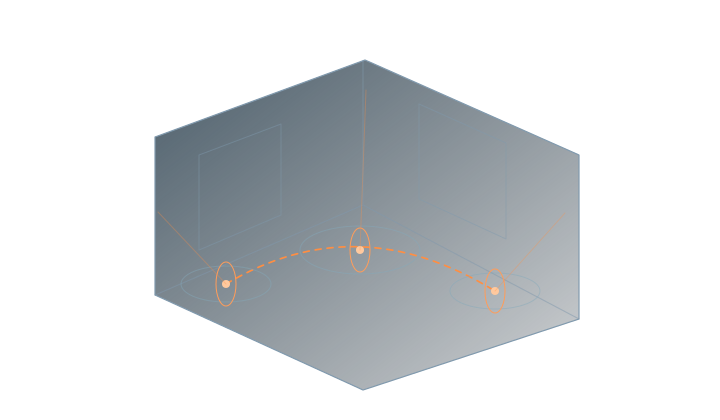
Panorama viewing lets you look around from one capture position. 3D reconstruction also needs to represent the space when the viewing position changes. Capture from multiple positions to cover areas hidden from individual views.
02
Connect neighboring viewpoints
Multiple positions, with shared detail between nearby views.
Read the guidance+
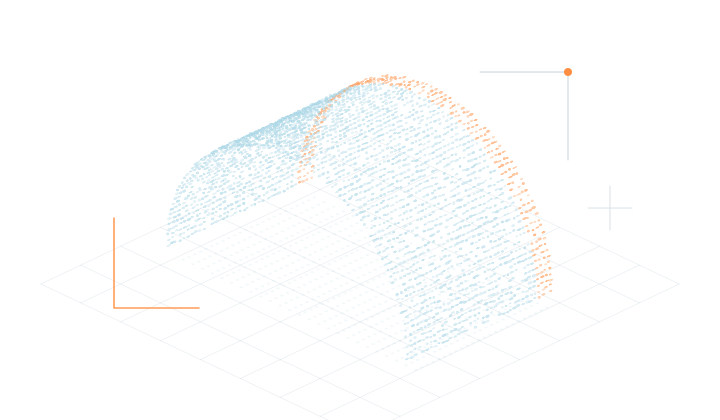
Start with a room or exhibition area and keep shared objects and structures visible in neighboring panoramas. Capture both sides of doors, corridors and corners. Keep lighting steady and minimize moving people and objects.
03
Match the input to your media
Use a small set of media to learn the reconstruction and training workflow.
Read the guidance+
Organize panoramic photographs by capture position and retain viewpoint changes in panoramic video. Choose the matching input in Studio and start with a small scene.
04
Check connections and occluded areas
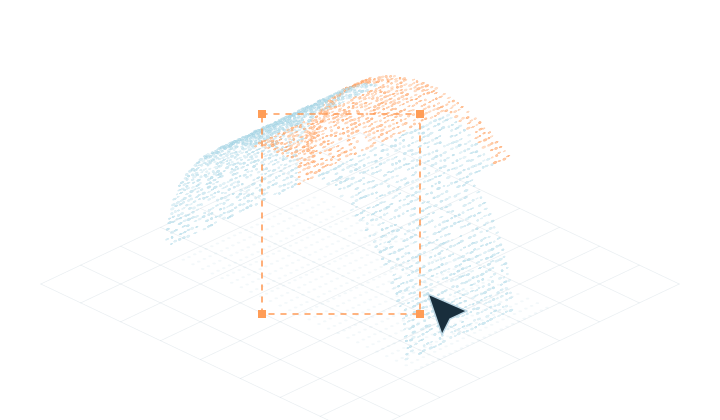
Inspect edges, gaps and floating regions from several views.
Read the guidance+
After reconstruction, review doors, windows, nearby objects and connections along the viewing path you need. Then continue editing and exporting. See edition features for publishing options.
Frequently asked questions
Is one panoramic photograph enough?
A single position has occlusions, and moving the viewpoint can reveal uncaptured areas. Prepare multiple viewpoints covering the target space for an explorable scene.
Can I use ordinary video?
You can use ordinary video through the Video input. Regular and panoramic video have different image formats and need matching preparation.
Are panoramas processed locally?
With local processing, your media is processed on your computer. Check the relevant release notes for Server input support.