Skip to content

MakeWorlds Studio

Aerial Gaussian splatting

Create 3D scenes you can view and edit from multi-view drone photographs.

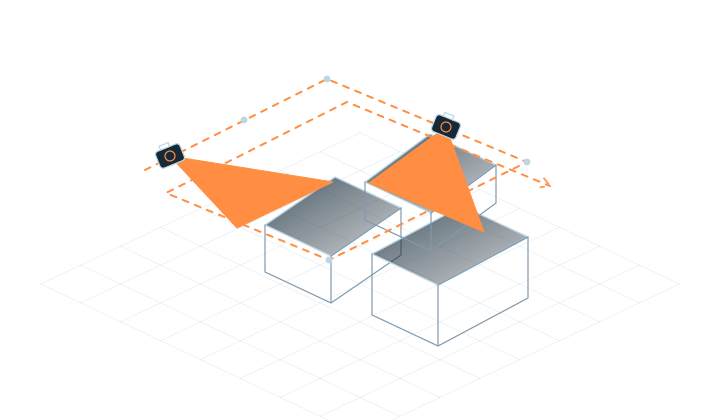
01Multiple flight paths
02Cover side views
03Start with one area
01

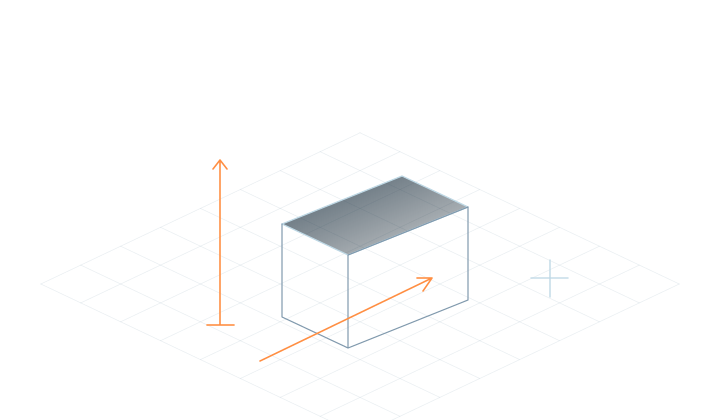
Define the scene and its purpose

Choose a well-defined scene you can cover fully.

Read the guidance

Presenting campuses, buildings and sites calls for both spatial context and useful detail. Gaussian scenes support viewing and editing. For measurement, CAD or GIS deliverables, confirm the required formats and accuracy separately.
02

Cover the site and its key viewpoints

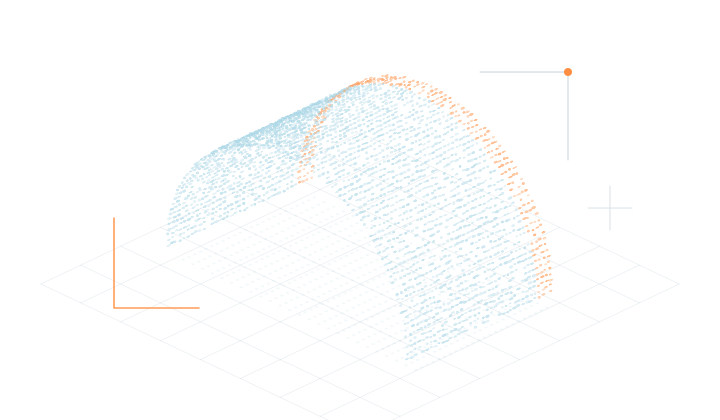
Multiple flight paths, with shared detail between nearby views.

Read the guidance

Choose a clearly defined area and cover both overhead views and the building sides you want to show. Keep overlap between photos, along with the originals and any positioning data. Repeating one angle cannot reveal occluded areas.

03

Review a small area first

Use a small set of media to learn the reconstruction and training workflow.

Read the guidance

Use a small subset to learn import, reconstruction, training and editing. Review building edges, road connections and the viewpoints you need before expanding the project. Assess visual clarity and geometric accuracy separately.

04

Prepare for export and publishing

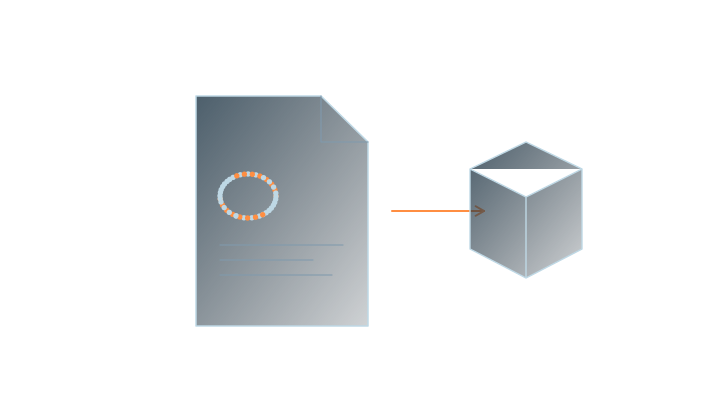
Save the project, export Gaussian PLY and check the receiving tool.

Read the guidance

Save the project and prepare Gaussian PLY output for its intended use. For browser presentation or intranet collaboration, check the edition’s features and supported input types.

Frequently asked questions

Which input should I choose for drone video?

Choose Aerial for drone photographs and Video for continuous drone footage. Follow the video-to-3D guide to prepare video inputs.

Does GPS or RTK data guarantee accuracy?

Positioning data does not replace result validation. Check scale, location and measurement accuracy against the project’s requirements.

Can I start with free Standard?

Yes. Free Standard includes local reconstruction, training and basic editing. Compare editions when you need full editing, Web publishing or Server services.

MakeWorlds Studio · Standard

Free Standard

Reconstruct, train and make basic edits on your own computer.