Industrial applications · Site context and workflows
Digital Twins: Connect the 3D Site with Assets and Business Data
A workshop may have a 3D scene, an asset register and operational data, yet people still need to confirm whether each source refers to the same equipment. Begin a digital-twin project with that concrete connection: location, asset identity and business record for one object. Expand only after the association is useful.
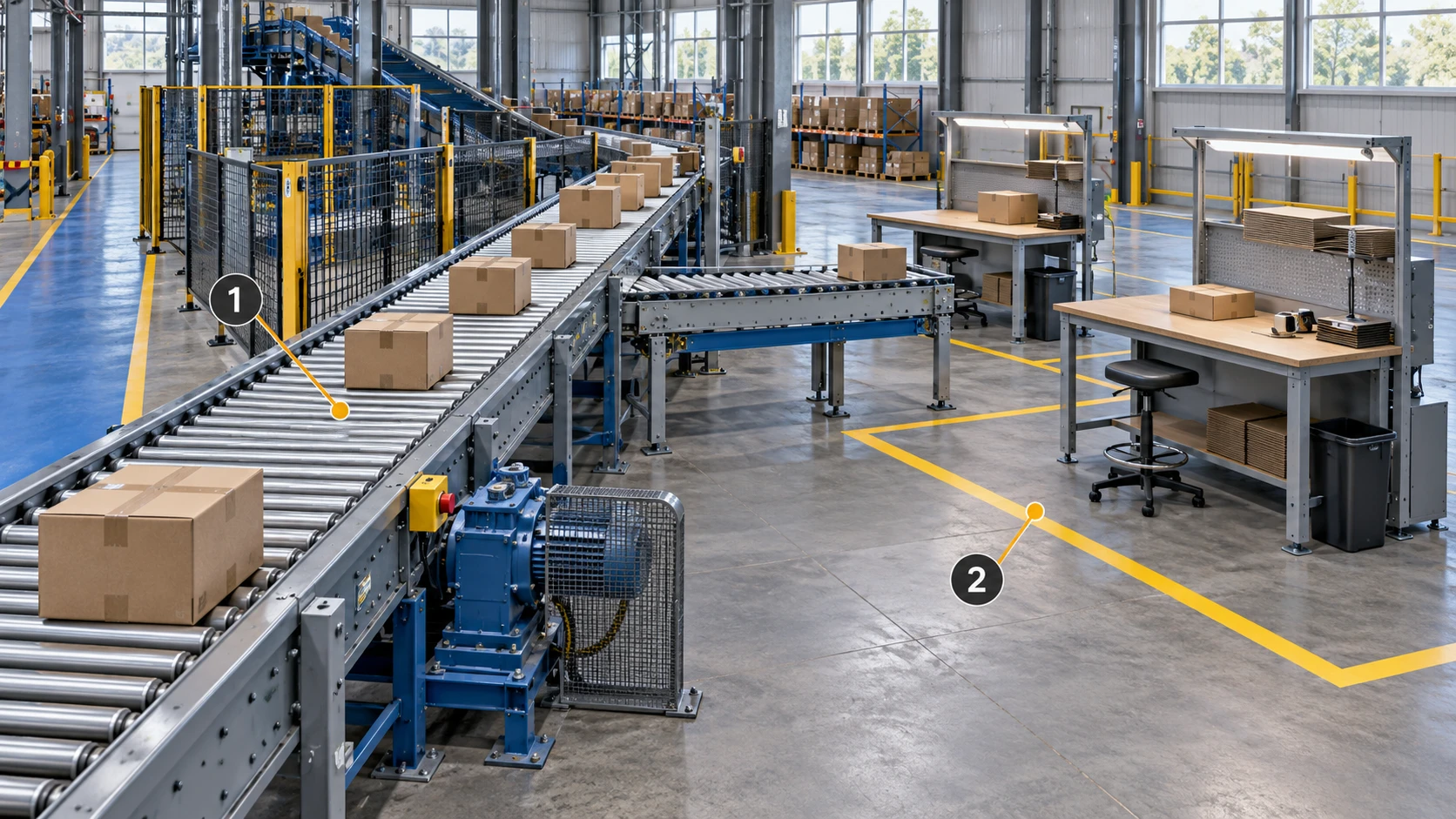
For a logistics sorting area, MakeWorlds Studio prepares inspectable spatial context from site imagery. The project team then matches conveyors, drives and workstations to the asset register through consistent IDs. Implement further associations in the selected viewer and business systems, with clear sources, ownership and user tasks.
Choose a business question before choosing data
Define what the user should do with the asset.
For example, an operator may need to locate a drive and retrieve its register entry and recent maintenance records. Define the entry point, required information and existing process for the next action. The first application does not need every asset or metric.
Define acceptance with the actual users.
Ask users how they will confirm the correct object, which records must be available and when they must consult the source system. Turn these into verifiable actions rather than judging the application by visual density or label count.
Match physical objects to the asset register
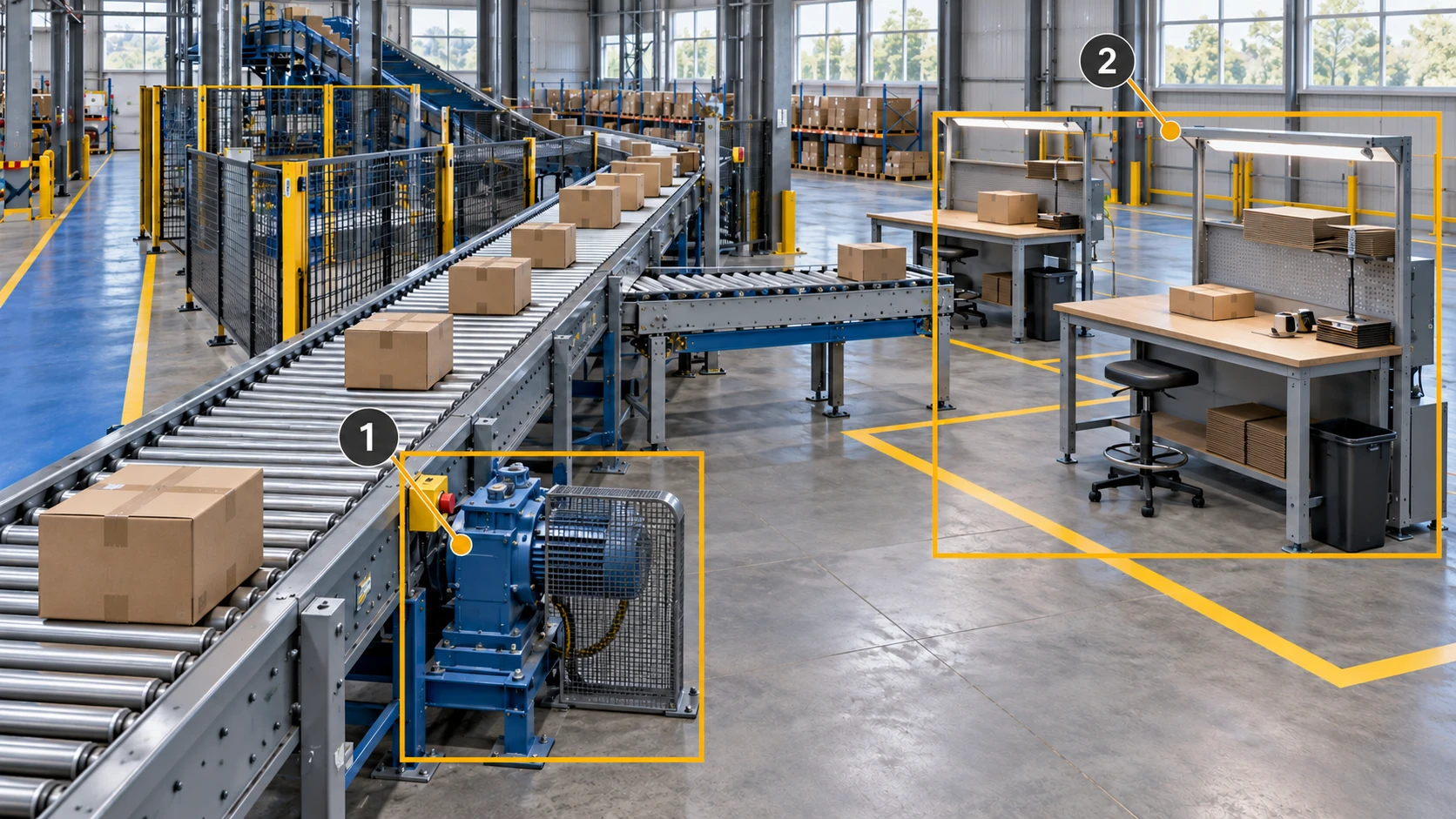
Define exactly what each ID represents.
A conveyor segment, its drive and a workstation may have separate IDs. Confirm object boundaries, areas and parent-child relationships with the register owner. Document mappings between system names instead of inferring identity from appearance in the viewer.
Make the spatial context usable for identification.
Inspect conveyor branches, equipment outlines and workstation boundaries in MakeWorlds Studio. Export a bounded sample and verify placement, scale and navigation in the receiving tool. Build object associations in the project viewer using the agreed register conventions.
Separate the sources, then connect them
3D site context
Extent, viewpoints and capture time.
Asset identity
Object boundary, area and associated location.
Business records
Source, update time, record access and permissions.
Use the scene to explain location.
The scene supplies layout, viewpoints and surrounding context, with a known capture time and extent. Business data may update more often than the scene. Make those different update cycles visible so users do not assume the image always represents current conditions.
Use asset identity to connect records to the same object.
Map the agreed asset ID to a location or association point in the scene, then to register and business records. Implement and test that association in the selected viewer. Revalidate it after equipment replacement, area changes or a rebuilt scene.
Keep data provenance and ownership visible.
Registers, inspections, work orders and state data retain their own source systems. Specify provider, update time, scope and owner. Live-state presentation requires its own integration and validation, including refresh and failure handling; a viewable scene does not complete those connections.
Prepare timestamps, access and change records
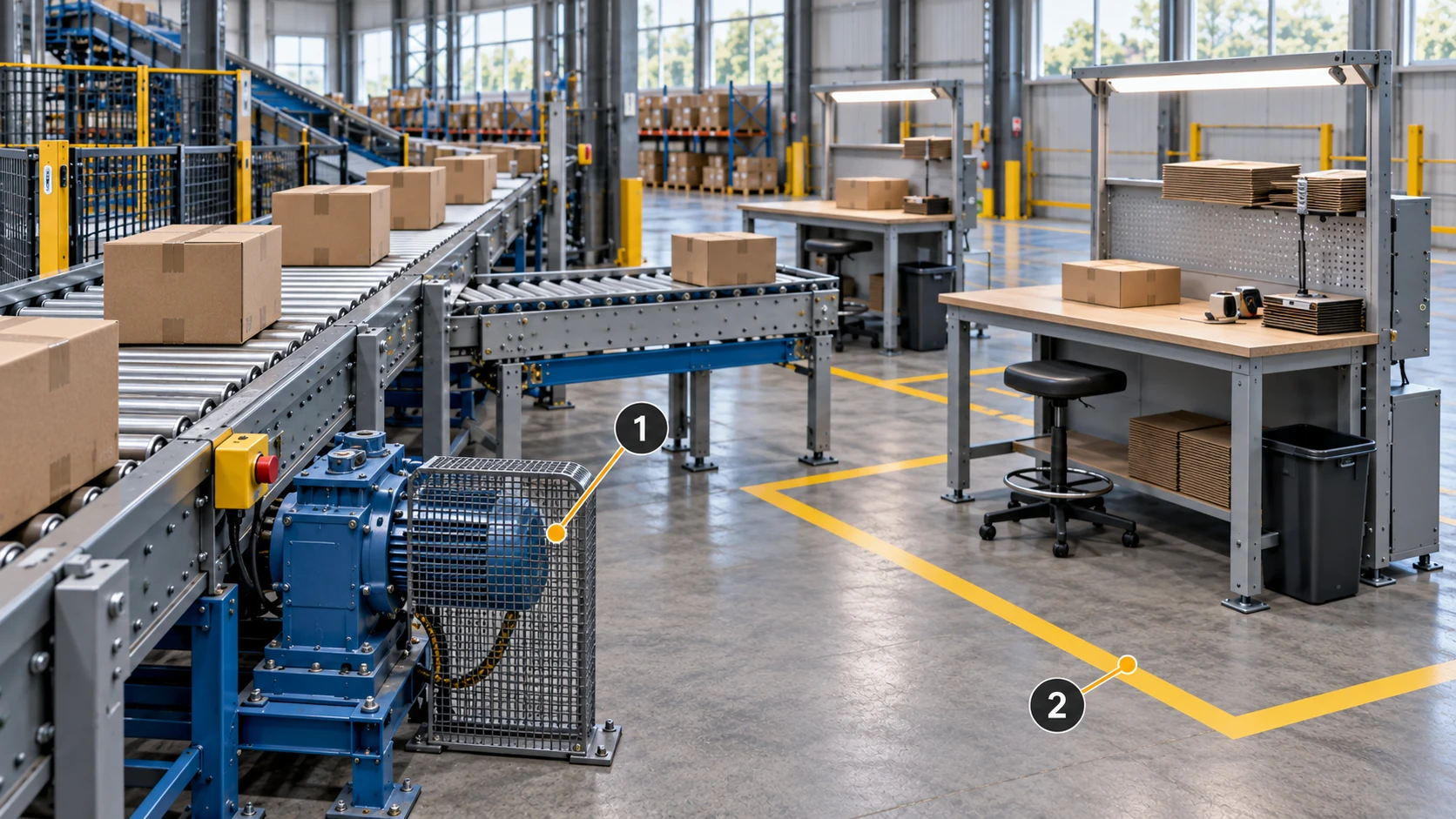
Distinguish three kinds of time.
Retain scene capture time, register update time and business-data time separately. Users should know the record’s period and applicability, and when to consult the source for newer information. The viewer should distinguish unavailable refresh from a valid current state.
Verify access with the intended user.
Test record links with the intended user’s permissions for correct identity, reachability and agreed scope. Associating a record with a scene should not broaden access. Recheck links after address or permission changes.
Include site changes in maintenance ownership.
When lines, equipment or workstation boundaries move, identify which parts of the old scene remain useful and which need recapture. Preserve the old version’s period, update associations and sample affected assets. Define the handover between scene and register owners.
Pilot one conveyor segment and its records
Validate the task, not merely the page opening.
Ask a user to locate equipment, retrieve the right register entry, open an existing record and identify the next workflow. Classify any failures as coverage, identity, link or access issues and assign them to the appropriate owner.
Agree on maintenance before expanding the data.
Assign scene updates, mapping maintenance, interface failures and post-change checks. After the pilot, add state data, history or more areas according to a specific user task that each addition supports.
Association checklist for each object
| Item | Prepare | Verify by |
|---|---|---|
| Identity | Asset ID, object boundary and area. | Locating and checking the unit against the register. |
| Spatial record | Scene version, position, capture time and extent. | Identifying the object from the intended viewpoint. |
| Business source | Source, update time, record link and permissions. | Opening the correct record with actual user access. |
| Ownership | Owners of the scene, mapping and business data. | Rehearsing an update or post-change check. |
Questions the pilot should answer
- Where is the object, and which register establishes its identity?
- When were the scene and data captured or updated, and what do they cover?
- Can users retrieve the required record and continue in the existing workflow?
- Who maintains and verifies the association after site or system changes?
Prepare one conveyor area in MakeWorlds Studio, then have the project team connect an agreed set of assets and existing records. Validate an end-to-end user task so the next investment follows a business need and a maintainable source of information.